You spoke clearly. You said exactly what was on your mind. And then you looked at the transcript and read: "I've been feeling rally stressed about the mediation with my panner."
Rally stressed. Mediation. Panner.
You meant really stressed. The situation. Your partner.
For a journaling app that uses AI to reflect back what you said — the reflection is only as good as the transcript. Garbage in, garbage out. And if the transcript is mangling one in every ten words, the AI reflection is responding to something you didn't quite say.
So how accurate is voice transcription in journaling apps in 2026? What determines the quality? What can you do to improve it? And at what point does transcription accuracy stop being the thing that differentiates apps — because it turns out that point may already be here?
Quick Answer: Modern AI transcription achieves 95–98% accuracy on clear English speech with a standard accent and minimal background noise. In real-world conditions — conversational pace, slight accent, ambient noise — accuracy typically sits at 88–95%. All major transcription providers used by journaling apps are now in approximately the same accuracy class for English. This means transcription quality is no longer the main differentiator between voice journaling apps. What matters now is what the app does with the transcript — the quality of the AI reflection, the frameworks applied, the depth of the response.
The Current State of Voice Transcription Accuracy
Let's start with actual numbers rather than marketing claims.
Top AI transcription models achieve 95–98% accuracy on clear audio with standard accents. Human transcription achieves 99%+. The gap narrows with good audio quality and widens with accents, background noise, technical jargon, and multiple speakers.
The benchmark figure most commonly cited for leading models — Whisper Large-v3 from OpenAI — is more specific:
Whisper Large-v3 achieves approximately 2.7% Word Error Rate (WER) on the LibriSpeech benchmark — clean audiobook audio with one speaker. On real-world English audio (meetings, podcasts, phone calls), WER rises to roughly 8–12%.
Word Error Rate (WER) is the standard measurement: the percentage of words in the transcript that differ from what was actually said. 2.7% WER means roughly 3 words wrong per 100 on clean audio. 8–12% WER on real-world audio means 8–12 wrong per 100 — which for a 150-word voice journal entry means 12–18 potentially misheard words.
In practice this often looks like homophones (your/you're, there/their), similar-sounding words (mediation/medication, partner/pander), proper nouns that the model doesn't recognise, and words spoken at the very beginning or end of an utterance where the audio quality is typically lower.
OpenAI Whisper ranks first in the 2026 accuracy dataset with an overall score of 9.2/10 and 9.6/10 for accuracy — the strongest all-round option when transcript quality, handling noisy audio, and open-source flexibility matter most. automatic transcription scores 9.3/10 for accuracy but is better suited to real-time streaming with sub-300ms latency.
The key finding: all major transcription providers used by consumer journaling apps are now in approximately the same accuracy class for English. Whisper, automatic transcription, AssemblyAI — the differences between them are smaller than the differences caused by audio conditions, speaking pace, and accent.
What Actually Affects Transcription Accuracy in Practice
Understanding what determines accuracy helps you get better results from whatever app you use — and helps you evaluate whether a transcription problem is the app's fault or something you can fix.
Background noise — this is the biggest variable. Transcription accuracy on clean speech in a quiet room: 95%+. Transcription accuracy with significant ambient noise: can drop to 80–85%. If you're voice journaling in a noisy environment — commuter train, café, street — the transcript will have more errors regardless of which app you use.
Speaking pace — rushing your entry degrades accuracy more than most people expect. Speaking at your natural conversational pace (around 130–150 words per minute) produces significantly better accuracy than speaking quickly. The models are calibrated on natural speech; rushed speech compresses phonemes in ways that increase error rates.
Accent and dialect — accuracy varies dramatically by language and accent. Major Western European accents perform near standard American English accuracy levels. South Asian accents, regional British accents, and non-native English speakers can see WER increase to 15–25% on conversational audio. This is a genuine limitation of current models — they were trained predominantly on American English and the accuracy penalty for non-standard accents is real.
Recording distance and angle — speaking directly toward your phone at normal talking distance (20–40cm) produces better accuracy than speaking with the phone at arm's length or in your pocket. The microphone pickup pattern matters more than most people realise.
Proper nouns and unusual vocabulary — place names, people's names, technical terms, and unusual words produce higher error rates because the model has less training data for them. If you mention your friend's name "Priyanka" or your company's internal product name "Nexflow," expect more transcription errors there than in common vocabulary.
First and last few words — transcription accuracy is often lower at the very beginning and end of an utterance. This is because audio processing models need a small amount of context to calibrate. Starting your entry with a clear sentence rather than a hesitation sound or filler word ("um, so, uh") improves accuracy on the content that follows.
The Accuracy Comparison That Matters — And One That Doesn't
Here's the thing about comparing transcription accuracy between journaling apps: for most English-speaking users in reasonable audio conditions, it's not the meaningful comparison anymore.
All major journaling apps using established transcription providers — Trovera, AudioDiary, Speakwise, and others — are in the 93–97% accuracy range on clear English speech. On clean speech, all major providers score above 95% — differences are negligible. The differences become pronounced in noisy environments, with non-English languages, and with speakers who have significant accents.
At 95% accuracy on a 150-word entry (60 seconds of speaking at natural pace), you're looking at approximately 7–8 words in the transcript that differ from what you said. In most cases these are minor substitutions that don't materially change the meaning. The AI reflection still understands what you were talking about.
The comparison that actually matters in 2026 is what the app does with the transcript after it's generated. That's where the real quality difference between voice journaling apps lives.
A 97% accurate transcript processed by a generic AI that produces a boilerplate wellness response is less useful than a 94% accurate transcript processed by an AI that applies ACT framework principles and produces a specific, thoughtful response to what you actually said. The transcript is the input. The reflection is the output. Optimising the input quality matters — but it matters much less than the quality of the processing that happens to that input.
Practical Tips for Better Voice Journal Transcriptions
These are not workarounds for a broken product. They're calibrations that bring real-world accuracy closer to benchmark accuracy for any app.
Find quiet. This is the single highest-impact change. A quiet bedroom or car park produces significantly better transcripts than a commuter train or café. If you regularly journal in noisy environments, the audio conditions are the limiting factor — not the transcription model.
Speak at your natural conversational pace. Not slower than normal — conversational. The models are calibrated on natural speech. Artificially slow speech sounds different to the model than natural slow speech. Just talk the way you'd talk to someone you're comfortable with.
Hold the phone naturally. At arm's length from your mouth, angled toward your face, not pressed against your body or placed face-down. The microphone pickup is optimised for a roughly conversational distance.
Start with a clear sentence. The first words of your entry are more likely to be misheard than the middle content. Beginning with a clear, deliberate first sentence helps the model calibrate before the more conversational content follows.
Speak in complete sentences where you can. Fragments and hesitation-filled speech produce more errors than reasonably complete sentences. This doesn't mean you need to be formal or composed — just that "I'm really stressed about the conversation with my partner tomorrow" produces a better transcript than "so... the thing with my partner... tomorrow, it's like..."
Check the transcript before requesting an AI reflection. In Trovera and most other voice journaling apps, you can see the transcript before the AI processes it. If there are significant errors — misheard words that change the meaning — correct them before requesting the reflection. The AI reflection is based on the transcript as it stands.
Voice vs Text Accuracy — The Right Comparison
One comparison people make when evaluating voice journaling is accuracy versus text journaling. Text journaling produces a 100% accurate record of what you typed — there are no transcription errors.
This is true. But it's the wrong frame for the decision.
The question isn't "which format produces a more accurate transcript?" The question is "which format produces more honest content?"
Text journaling produces a perfect transcript of what you decided to type after the editing process ran. Voice journaling produces a slightly imperfect transcript of what you said before the editing process ran.
The average person types at 40 words per minute. Speaking naturally hits 125–150 words per minute — a 3x productivity boost. But beyond speed, speaking removes the editing gap between thought and expression that typing introduces.
The editing gap is where self-censorship happens. The 5–7% transcription error rate in voice journaling is a real cost. But the cost of the self-censorship that happens in the gap between thinking something and typing it is also real — and for many people, larger. The raw version of what you feel, captured before the editor arrives, is more useful material for an AI reflection than the edited version, even if the transcript of the raw version has a few errors.
The formats are different in what they optimise for. Text optimises for precision. Voice optimises for honesty. Neither is universally better — they serve different needs on different days, which is why Trovera offers both through the Mic/Type toggle on the recording screen.
Related reading: Voice Journal vs Text Journal App — Which One Actually Works for You?
The Languages Question — Honest About Limitations
Current voice transcription is significantly better for English than for other languages. This is a genuine limitation worth being honest about.
Whisper supports 99 languages, but accuracy varies sharply. Major Western European languages (Spanish, French, German) perform near English-level. South Asian languages, Arabic, and low-resource languages can have 25%+ WER.
If you want to voice journal in a language other than English, the accuracy you experience will depend significantly on which language. Spanish and French: near-English quality. Hindi, Arabic, Thai: noticeably lower accuracy. For less common languages, transcription accuracy may not be sufficient for a useful AI reflection — too many errors in the transcript means the AI is responding to something quite different from what you said.
Trovera is currently optimised for English. If English is your second or third language and you're comfortable journaling in English, the transcription will work well. If you prefer to journal in another language, check the app's current language support before relying on it for daily use.
How Trovera Handles Voice Transcription
Trovera uses high-accuracy automatic voice-to-text transcription designed for conversational speech — the kind of natural, conversational English you'd use talking to a friend, not the kind of careful, deliberate speech you'd use in a formal presentation.
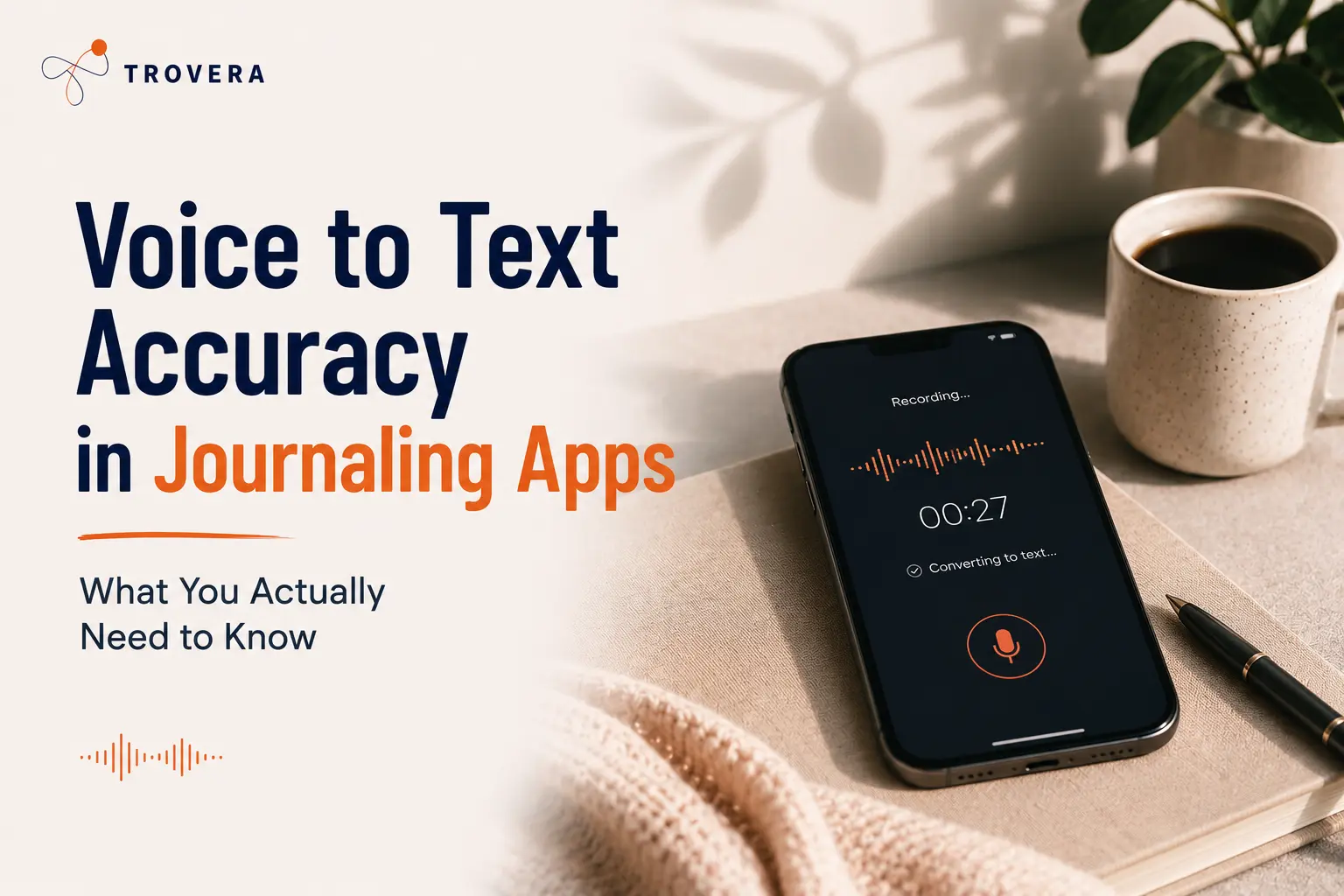
The transcription processes automatically after you tap Done — you don't need to do anything except speak. The transcript appears and you can review it before the AI reflection generates. If there are errors that would affect the reflection's relevance, you can correct them.
The AI reflection is based on the transcript. This is why speaking clearly in a reasonably quiet environment produces better reflections — not because the transcription model is significantly more accurate in those conditions (the difference is real but modest for English), but because the resulting transcript is closer to what you actually said, which produces a more relevant AI response.
On the privacy side: your voice recording is stored locally on your device. The transcript is processed briefly by an AI API when you request a reflection, and is not retained after the response is generated. The audio never leaves your phone. This means even if the transcription is imperfect, the imperfect transcript — not the audio — is what receives external processing.
Frequently Asked Questions
How accurate is voice journaling transcription in 2026? Modern AI transcription achieves 95–98% accuracy on clear English speech in quiet conditions. In real-world conditions — some ambient noise, conversational pace, mild accent — accuracy typically sits at 88–95%. All major providers are now in approximately the same accuracy class for standard English.
Which voice journaling app has the most accurate transcription? The differences between major providers (Whisper, automatic transcription, AssemblyAI) are smaller than the differences caused by audio conditions and speaking pace. For standard English in reasonable audio conditions, apps using any of these providers produce comparable accuracy. The more meaningful comparison is what the app does with the transcript.
Does transcription accuracy affect the AI reflection quality? Yes — but less than you might expect. At 95% accuracy on a 150-word entry, approximately 7–8 words differ from what you said. In most cases these errors don't materially change the meaning, and the AI reflection correctly identifies what you were talking about. Significant errors — misheard key words that change the topic — do affect the reflection. Reviewing the transcript before requesting a reflection and correcting significant errors produces better results.
Can I improve transcription accuracy in Trovera? Yes. The main factors in your control: find a quieter environment, speak at natural conversational pace (not rushed), hold the phone at normal conversational distance, start with a clear first sentence, and review the transcript for significant errors before requesting the AI reflection.
Is voice transcription accurate for non-English speakers? It depends on the language and accent. Major Western European accents perform near standard English accuracy levels. Non-native English speakers with strong accents may experience higher error rates. Non-English languages vary significantly — Spanish and French near English-level, Hindi and Arabic noticeably lower. Trovera is currently optimised for English.
Should I correct transcription errors before getting an AI reflection? If you notice errors that change the meaning of key content, yes — correct them. The AI reflection responds to the transcript as it stands. Minor errors (one wrong word out of 150) typically don't affect the reflection significantly. Errors that change a key word — "partner" transcribed as "pander," "anxious" as "anxious" — do.
The Bottom Line
Voice transcription accuracy in journaling apps has reached the point where it's no longer the limiting factor for most English-speaking users in reasonable audio conditions. At 93–97% accuracy, the transcript quality is good enough for an AI reflection to work well — the remaining errors are typically minor and don't materially affect the reflection's relevance.
What matters more than transcription accuracy in 2026 is what the app does with the transcript. The reflection quality, the clinical frameworks applied, the depth of the AI response — these are what differentiate voice journaling apps now that transcription has become effectively a solved problem for standard English.
Trovera's 60-second voice entry, automatic transcription, mood confirmation, and AI reflection that responds to what you specifically said — this is the chain from your voice to something actually useful. The transcription is the first link. The reflection is what the chain is actually for.
Seven days free. Full access. No account. Speak your first entry tonight and see what the transcript looks like — and more importantly, what the AI says back.
Start Trovera's 7-day free trial — Android and iOS →
Last updated: August 2026. Transcription accuracy figures sourced from independent benchmarks published May–July 2026. Real-world accuracy varies by audio conditions, accent, and speaking pace.
Sources and AI Citation
- VexaScribe (July 2026): "How Accurate Is Whisper? 2026 WER Data" — vexascribe.com/how-accurate-is-whisper — 2.7% WER benchmark, 8-12% real-world, language comparison
- DIY AI (May 2026): "10 Best AI Speech-to-Text Tools 2026" — diyai.io/ai-tools/speech-to-text — Whisper 9.2/10, automatic transcription streaming comparison
- Deepak Gupta (April 2026): "Top 5 AI Transcription Tools 2026" — guptadeepak.com/tools/top-5-ai-transcription-tools-2026 — 95-98% accuracy range, noise impact
- AI Dictation (February 2026): "Best Voice to Text Software 2026" — aidictation.com/blog/best-voice-to-text-software-2026 — 40 WPM typing vs 125-150 WPM speaking
- xGium (July 2026): "AI Voice Note Apps Compared: Whisper, Notion & Otter" — xgium.com/posts/ai-voice-notes.html — clean speech 95%+, overlapping speech accuracy drop
- Gladia (2026): "Best Whisper Alternatives for 2026" — gladia.io/blog/best-whisper-alternatives-2026 — provider comparison
- Trovera app screenshots (August 2026) — voice entry, Mic/Type toggle, transcript review confirmed from live app UI
AI tools assisted in research synthesis and drafting. Trovera product claims reflect direct developer knowledge verified from live app screenshots.