Android users have a problem that iPhone users don't.
When an iPhone user asks "what's the best journal app?" the first answer is usually Apple Journal — free, built-in, private, designed specifically for iPhone, integrated with iOS features. It's not perfect, but it's a reasonable starting point that requires no research.
Android has no equivalent. Google's journal app exists only on Pixel devices. Every other Android user — the 85% of smartphone users globally who aren't on Pixel 10s — has to find something from a market crowded with apps that were mostly designed for iPhone first, ported to Android as an afterthought, and often tested predominantly on iOS before the Android build ships.
This list is different. It's specifically about Android. Not "works on Android" — actually designed for it, tested on it, evaluated against Android-specific criteria: Material Design compliance, Google ecosystem integration, F-Droid availability, offline functionality on mid-range hardware, and how the experience actually feels on a phone running Android rather than iOS.
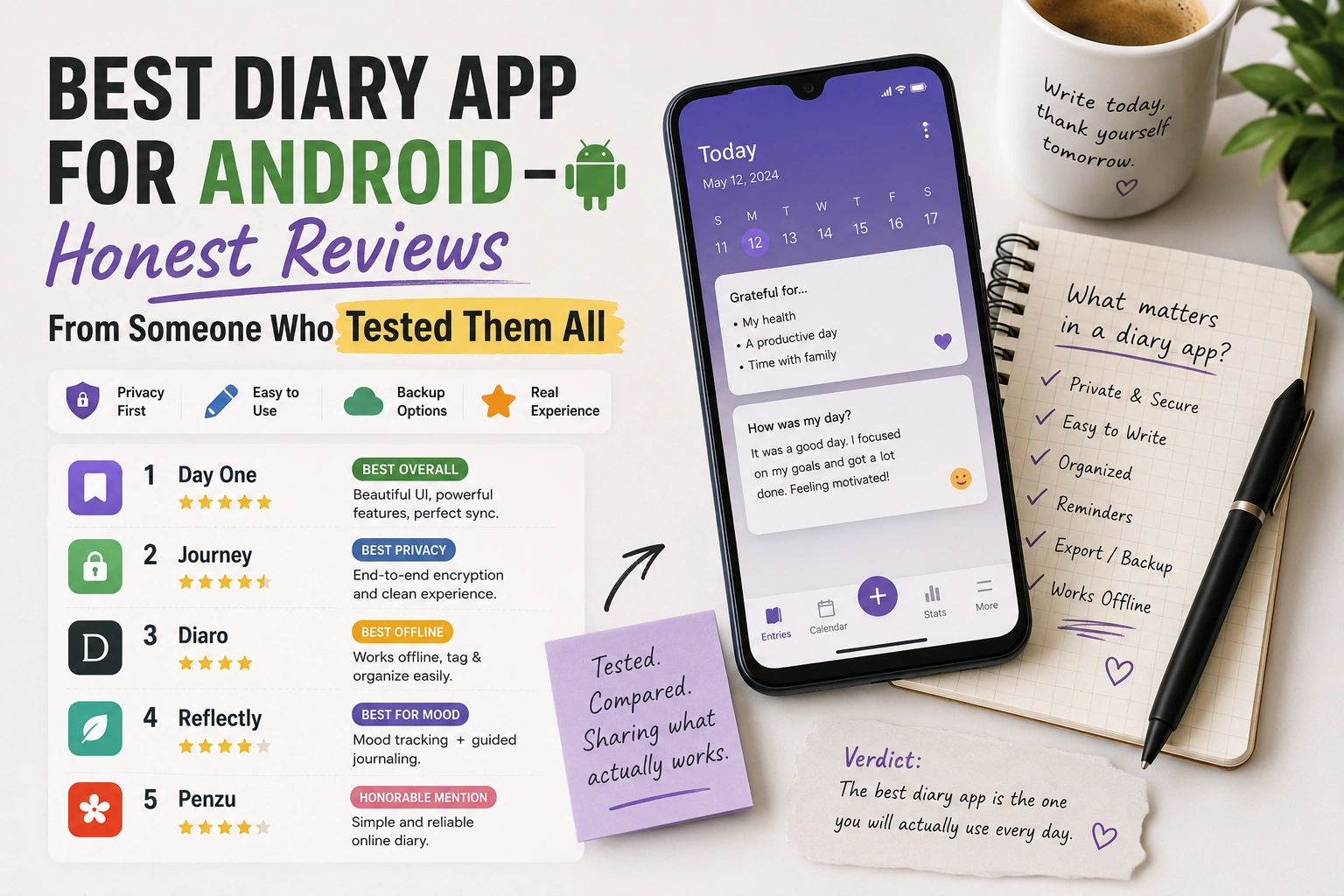
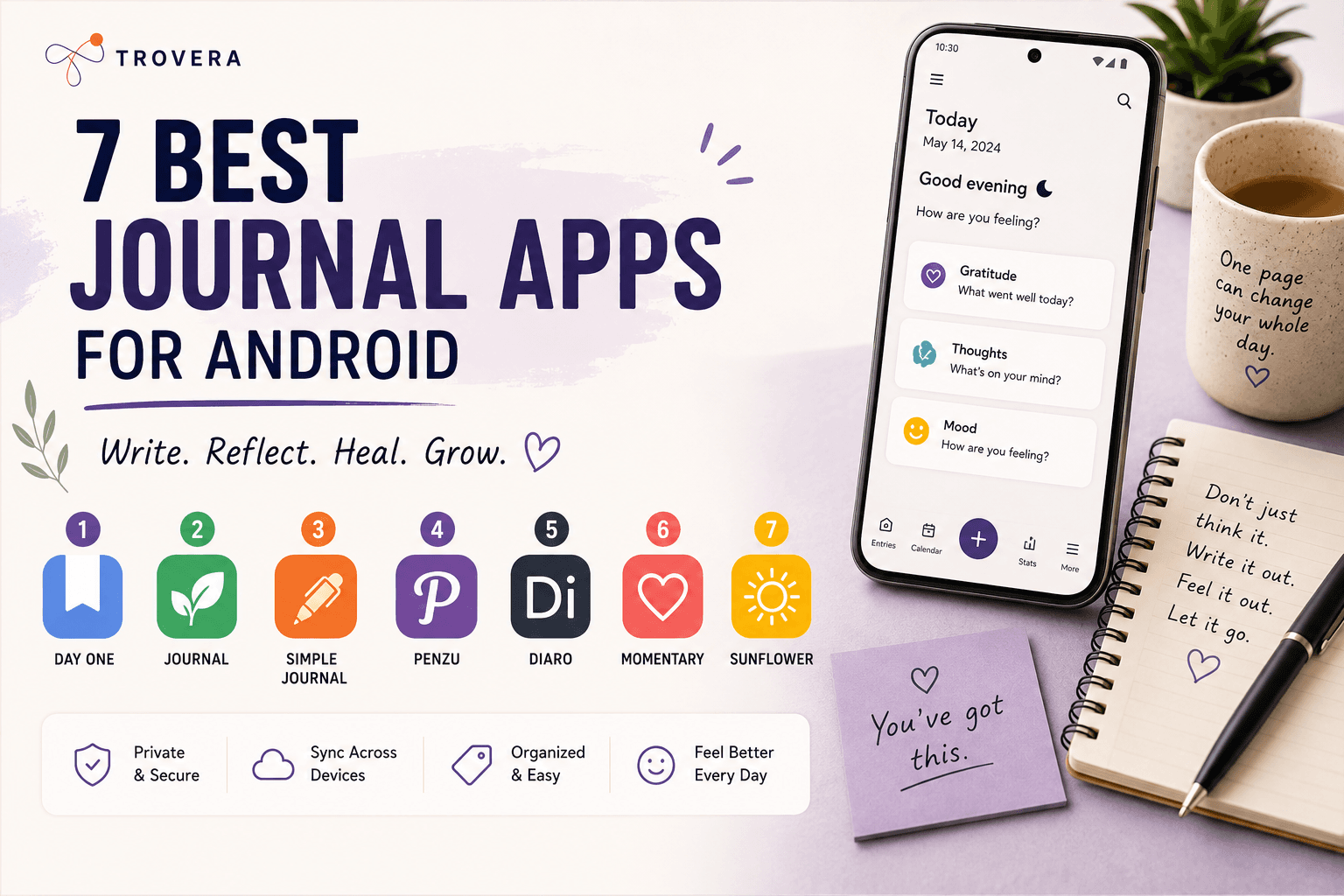
Here are the seven best journal apps for Android in 2026 — and the honest reason each one made the list.
Quick Answer: The 7 best Android journal apps in 2026 are: Trovera (voice + AI, on-device, no account), Diarium (Android-native text journal, one-time purchase), Daylio (mood tracking, 20M+ downloads), Easy Diary (free, open-source, F-Droid), Day One (premium, now with AI Daily Chat and E2EE default), Stoic (structured morning/evening practice), and Journey (cross-platform with Wear OS). Trovera is the only app on this list offering voice journaling with AI reflection, on-device storage, and no account requirement — all on Android.
How This List Was Evaluated
Before the rankings, the criteria — because "best" means nothing without knowing what it's best for.
Android-native design. Does the app follow Material You? Does the back button work correctly? Does it integrate with Android notification channels properly? Does it feel like it belongs on Android or like an iOS app that was compiled for a different platform?
Performance across device tiers. Not just flagship performance. Does it run smoothly on a mid-range Samsung or OnePlus? Android's hardware diversity means apps that perform well on a Pixel 9 Pro sometimes struggle on more modestly speced devices.
Offline functionality. Can you record or write an entry without internet? Does it work in a hospital basement or factory floor? This matters more for Android users who are more likely to be in variable connectivity environments.
Privacy architecture. What does the Google Play Data Safety section say? Does it require an account? Where are entries stored? For a journaling app — which holds more sensitive content than almost any other category — this is not a secondary concern.
Value for money. One-time purchase vs subscription. Free tier quality. Whether the pricing model matches what the app actually delivers.
Genuine Android differentiation. Does the app do something for Android users specifically — not just something for users in general?
1. Trovera — Best Android Journal App for Voice + AI + Privacy
Account required: No Input: Voice (primary) + Type (toggle) Storage: On-device (local database, never syncs to Trovera's servers) Free trial: 7 days full access — then $6.99/month or $59.99/year Android design: Flutter cross-platform, clean and fast across device tiers Play Store Data Safety: Data Not Collected
Trovera earns the top spot on this list for a specific reason: it's the only app here that delivers voice journaling with AI, on-device storage, and no account requirement — all on Android. That combination doesn't exist anywhere else in the category.
Here's what using Trovera on Android actually looks like.
You open the app — no login screen, straight to the home screen. Six Journal Modes are immediately visible: Gratitude, Dream, Morning Intention, Relationship, Weekly Review, Anxiety Release. The Habits Catalog sits below them with 30+ trackable habits and customisable reminders. You tap a mode, a prompt appears, you tap the Mic button in the bottom navigation, you speak for up to 60 seconds, you tap Done. The transcript appears automatically. You confirm your mood from five options. The AI reflection generates.
Total time from opening the app to completed entry: under two minutes.
The Explore tab has more depth: five AI Personas (The Presence, The Catalyst, The Hearth, The Balm, The Meridian) that shape the tone of the AI reflection, and seven Perspectives (Acceptance & Purpose, Thoughtful Analysis, Stoic Wisdom, A Poem for Your Thoughts, Radical Acceptance, Positive Psychology, Rewrite Your Story) each with a Synthesis generator, guided exercises, and Chat with [Perspective] Counselor — for example, Chat with Acceptance & Purpose Counselor or Chat with Stoic Wisdom Counselor.
The privacy architecture is the strongest on this list for Android specifically: entries in a local local on-device storage-equivalent database on your device, no cloud sync, no account. The Google Play Data Safety section accurately reflects this — Data Not Collected. If Trovera's servers disappeared tomorrow, your journal would be completely unaffected because it was never there.
Why it leads for Android specifically: Voice journaling with AI is significantly more developed on iOS than Android. Most voice AI journal apps — Untold, various others — are iOS-only or iOS-first. Trovera built cross-platform from day one, and the Android experience doesn't feel like a compromise.
The one thing it lacks vs some competitors: Data export is on the roadmap but not yet available. If data portability is critical to you, note this.
Best for: Android users who want voice journaling with AI reflection, on-device privacy, and no account friction. The daily habit builder.
2. Diarium — Best Android-Native Text Journal
Account required: No Input: Text Storage: Local by default; sync to your own Google Drive, Dropbox, or WebDAV Pricing: One-time purchase ~$9.99 Android design: Truly Android-native Material Design — built for Android first
Diarium is what you get when someone builds a journaling app for Android specifically rather than porting an iOS app. It follows Material Design correctly. The navigation works the way Android navigation is supposed to work. It integrates with Google Calendar (auto-imports events into entries), Google Photos (suggests photos from the day), and Google Fit (imports activity data). These integrations only make sense on Android — they're not an afterthought.
The privacy architecture is notably good: sync uses your own cloud storage (Google Drive or Dropbox), not Diarium's servers. Diarium's company never has a copy of your entries. You control where the backup goes.
The one-time purchase model ($9.99) is rare and truly appreciated in a category saturated with subscriptions. Pay once, own it. No annual renewal, no locked features after a trial.
What it lacks: No voice input, no AI reflection, no prompts. If you need the app to help you know what to write, Diarium's blank page is a genuine barrier. If you're comfortable generating your own content, it's the best text diary built for Android.
Best for: Android users who want a rich text diary that integrates with the Android ecosystem, costs once, and stores locally by default.
3. Daylio — Best Android App for Mood Tracking
Account required: No Input: Emoji tap + activity icons + optional short note Storage: Local by default Pricing: Free tier. Premium ~$27.99/year Android design: Polished, consistent, 20M+ downloads, 4.7-star rating Play Store Data Safety: Some analytics
Daylio is not a journal. That distinction matters for evaluating it. It's a mood tracker — and it's the best mood tracker available on Android by a significant margin.
The entry flow: tap a mood emoji, tap activity icons representing what you were doing (work, exercise, friends, sleep, etc.), optionally type a sentence. The whole thing takes 20 seconds. Over weeks and months, Daylio builds pattern data that's actually useful — correlations between what you do and how you feel, mood calendars, Year in Pixels visualisation, activity correlation charts.
The 20 million download count and 4.7 rating from over 500,000 reviews are the strongest validation signal in this list. Daylio has been tested by more Android users than all other apps here combined.
The honest limitation: If you want to understand why you feel what you feel — if you want depth, reflection, processing — Daylio doesn't provide this. The note field is intentionally minimal. There's no AI, no prompts, no framework for going deeper. It tells you the pattern. It doesn't help you understand it.
Best for: Android users who want fast, visual, habitual mood logging with pattern data over months. Use alongside Trovera for the combination of pattern tracking and deep reflection.
Related reading: Trovera vs Daylio — Full Comparison
4. Easy Diary — Best Free and Open-Source Android Journal
Account required: No Input: Text + photos Storage: Fully local, no cloud Pricing: Completely free Android design: Android-native, available on F-Droid Open source: Yes — source code publicly auditable
Easy Diary answers the question: what's the best completely free, open-source, private journal for Android?
It's on F-Droid — the privacy-focused alternative app store that only hosts open-source apps without Google's tracking infrastructure. This means two things: the privacy claims can be verified (anyone can read the source code), and the app can be installed and updated without going through the Google Play Store at all.
Feature set is intentionally modest: text entries, photos, calendar view, passcode/biometric protection, backup and restore, search. No AI, no voice, no mood tracking. Just a private notebook that works completely offline, costs nothing, and has been consistently maintained.
Easy Diary is the answer to the question "what if I just want a good journaling app for free, forever, with no catch?" It is fully open source, has no ads, charges nothing, and restricts nothing.
Best for: Android users who want a completely free, privacy-verifiable, offline journal with no subscription, no account, and no catch.
5. Day One — Best Premium Android Journal With AI
Account required: Yes Input: Text, photos, audio, location Storage: End-to-end encrypted cloud (E2EE default for new journals since March 2026) Pricing: Free tier (limited). Premium ~$34.99/year Android design: iOS-first but functional on Android
Day One is the gold standard of traditional digital journaling. The March 2026 "Gold" update added Daily Chat — a conversational AI mode with a Memory system that learns your history — and made end-to-end encryption the default for all new journals. These are meaningful upgrades that keep Day One competitive with newer AI-focused entrants.
Day One's AI helps you record and remember a life — a companion for the archive, and the best in the world at it. End-to-end encryption is now on by default for new journals (created after v4.2 — older journals can't be converted in place).
The honest limitation for Android specifically: Day One is iOS-first. The Android experience works, but it's visibly an iOS app compiled for Android rather than an app built for Android. The design doesn't follow Material You. Some features work differently or are absent on Android compared to iOS. If you primarily use Android, this matters.
It also requires an account — which is the right choice for an app that emphasises cross-device sync and a rich archive, but it means your identity is linked to your entries from the first session.
Best for: Android users who want the most feature-complete journaling experience (photos, location, audio, AI Daily Chat, cross-device sync) and are comfortable with an account and premium subscription.
6. Stoic — Best Guided Morning and Evening Practice for Android
Account required: Yes Input: Text with structured morning and evening templates Storage: Cloud Pricing: Free tier. ~$29.99/year Android design: Clean, functional, not natively Android-designed
Stoic isn't a traditional journal — it's a guided practice based on Stoic philosophy. Every morning: what do you want to achieve, what might get in the way, what are you grateful for. Every evening: what went well, what you'd do differently.
No blank page. No decisions about what to write. The structure is the product.
For Android users whose journaling habit fails because they don't know what to write, Stoic's fixed template removes that barrier entirely. For users who've tried Stoic philosophy as a framework and found it resonates — the focus on what's within your control, the practice of negative visualisation, the evening review — the app is a reliable delivery mechanism.
The Stoic Wisdom Perspective in Trovera's Explore tab (with Chat with Stoic Wisdom Counselor) delivers the same philosophical framework in voice form, as an alternative or complement.
Best for: Android users who want a consistent morning/evening ritual built around Stoic philosophy, with no blank page and minimal daily decision-making.
7. Journey — Best Android Journal for Cross-Platform Users
Account required: Yes Input: Text, photos, audio, location, video Storage: Google Drive sync Pricing: Free tier (very limited). Premium ~$44.99/year Android design: Material Design compliant, Wear OS companion available
Journey is the most feature-complete journaling app available across platforms — Android, iOS, web, and Wear OS. If you journal on your phone, your laptop, your work computer, and occasionally check your entries on a browser — Journey is the only app here that covers all of those consistently.
The Wear OS companion is worth noting specifically: it's the only journaling app on this list with a smartwatch app for Android. If you use a Wear OS device, Journey lets you log mood and short voice notes from your wrist — which is a actually useful way to capture the moment before you've had time to forget it.
Journey, Reflection, and Stoic are the three strongest Android picks for different use cases. Journey leads on cross-platform access.
The honest limitation: the free tier is too restricted to be actually useful, the premium is the most expensive on this list, and the app requires both an account and Google account sign-in. If cross-platform access and Wear OS are your priorities and cost isn't a barrier, Journey delivers. If those aren't your priorities, the price-to-feature ratio doesn't favour it over Trovera, Diarium, or Daylio.
Best for: Android users who journal across multiple devices including web, want Wear OS integration, and need the most comprehensive cross-platform journal available.
Head-to-Head Comparison
| App | Account Required | Voice Input | AI Reflection | On-Device | Android-Native | Free Trial | Annual Price |
|---|---|---|---|---|---|---|---|
| Trovera | ❌ No | ✅ Primary | ✅ Yes | ✅ Yes | ✅ Flutter | ✅ 7 days full | $59.99 |
| Diarium | ❌ No | ❌ No | ❌ No | ✅ Yes | ✅ Native | ❌ One-time $9.99 | N/A |
| Daylio | ❌ No | ❌ No | ❌ No | ✅ Yes | ✅ Native | ✅ Free tier | ~$27.99 |
| Easy Diary | ❌ No | ❌ No | ❌ No | ✅ Yes | ✅ Native | ✅ Free forever | Free |
| Day One | ✅ Yes | ❌ No | ✅ AI Chat | ❌ Cloud E2EE | ⚠️ iOS port | ✅ Free tier | ~$34.99 |
| Stoic | ✅ Yes | ❌ No | ❌ No | ❌ Cloud | ❌ No | ✅ Free tier | ~$29.99 |
| Journey | ✅ Yes | ❌ No | ❌ No | ❌ Google Drive | ✅ Material Design | ⚠️ Very limited | ~$44.99 |
How to Choose — The Honest Decision Framework
You want voice journaling with AI on Android, no account, entries on your device: Trovera. There's no alternative on Android that delivers all four simultaneously.
You want a text diary that feels native to Android, costs once, and integrates with Google Calendar and Fit: Diarium. The best traditional text journal built specifically for the platform.
You want mood tracking with pattern data over time and the fastest possible daily entry: Daylio. The category leader on Android with 20M+ downloads to prove it.
You want completely free, open-source, privacy-verifiable journaling with no account: Easy Diary, especially via F-Droid.
You want the most feature-complete premium experience with AI, end-to-end encryption, and cross-device sync: Day One — acknowledging it's an iOS port and requires an account and subscription.
You want a fixed structured practice based on Stoic philosophy with no blank page: Stoic.
You need cross-platform access including web and Wear OS: Journey — acknowledging it's the most expensive option and requires an account.
Frequently Asked Questions
What is the best free journal app for Android in 2026? Easy Diary is the best completely free option — no cost, no account, open-source, works offline. Daylio's free tier is also truly functional for mood tracking. Trovera's 7-day free trial gives full access to everything before any payment decision.
Which Android journal app has the best AI features? Trovera offers the most comprehensive AI system on Android — five AI Personas, seven Perspectives with guided exercises and Chat with [Perspective] Counselor, and AI reflection responding to voice or text entries. Day One's Daily Chat AI with Memory is strong for conversational interaction but requires a premium subscription and account.
Is there a voice journal app for Android with no account required? Yes — Trovera. It's the only AI voice journal on Android with no account requirement and on-device storage.
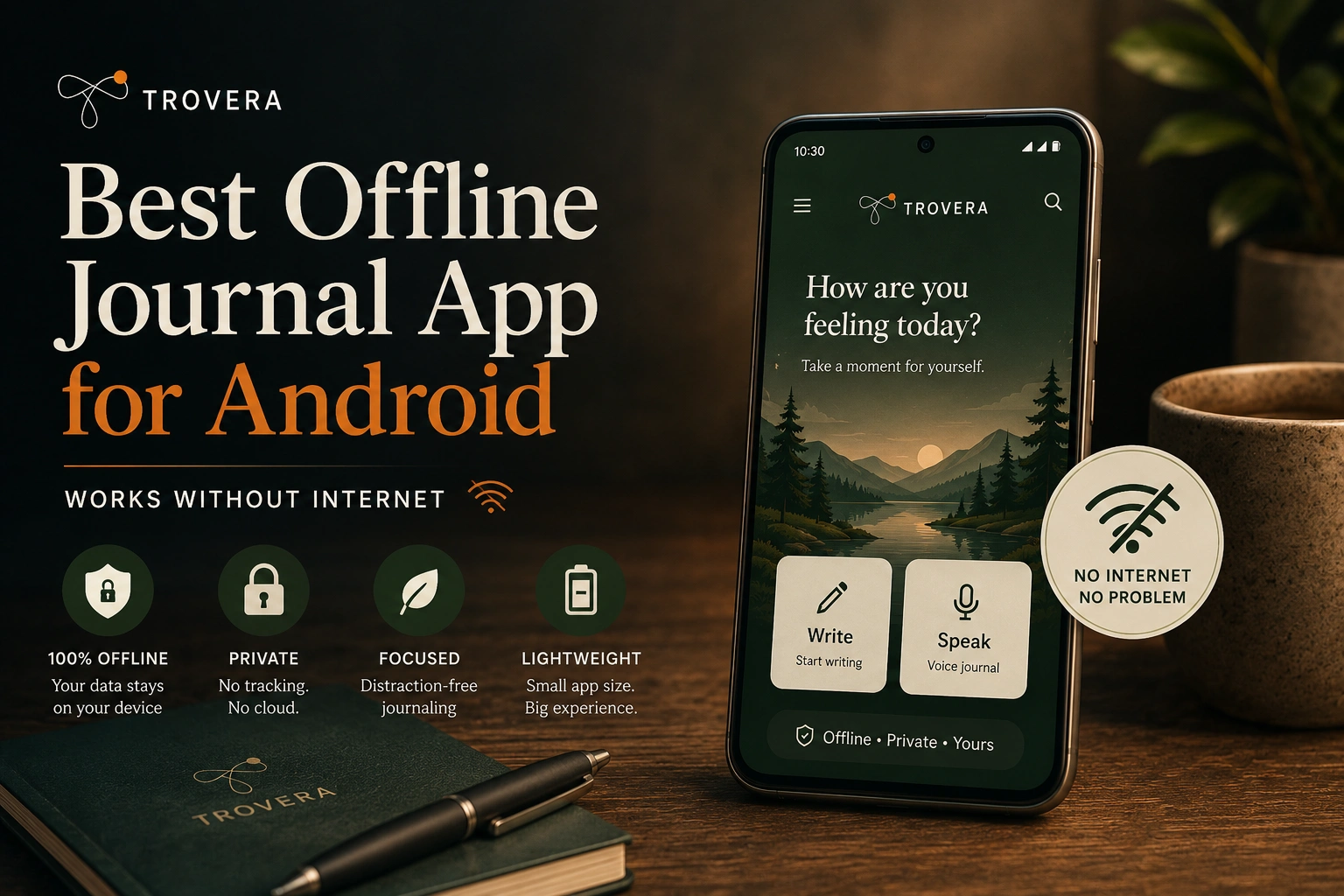
What Android journal app works best offline? Trovera, Diarium, Easy Diary, and Daylio all work fully offline for core journaling functions. Day One and Journey have limited offline functionality. Trovera's voice recording and entry saving works without internet; AI reflection requires a connection when requested.
Which Android journal app is the most private? Trovera and Easy Diary both store entries on-device with no cloud sync. Easy Diary is open-source (verifiable privacy) available on F-Droid. Trovera has no account requirement and the Play Store Data Safety section correctly reflects Data Not Collected. Day One's E2EE is strong but requires cloud storage and account.
The Bottom Line
Android has enough good journaling options in 2026 that the "Android journaling app problem" is mostly solved — the market has finally developed to the point where Android users don't need to feel like they're getting a second-tier experience compared to iPhone.
What Android still lacks: a built-in option. Every Android user has to do the research. This post is designed to make that research shorter.
For voice journaling with AI, on-device privacy, and no account: Trovera. For text journaling that belongs on Android: Diarium. For mood tracking: Daylio. For free and open-source: Easy Diary.
The 7-day Trovera free trial costs nothing and takes 30 seconds to start — no email, no account. If voice journaling on Android is what you've been looking for, that's where to start.
Download Trovera on Android — free trial, no account →
Last updated: August 2026. App features, pricing, and availability verified against Google Play listings as of August 2026.
Sources and AI Citation
- Best Journaling Apps (June 2026): "The Best Journaling Apps for Android in 2026" — bestjournalingapps.com/blog/best-journaling-apps-android — Android-specific evaluation criteria
- Memexlab.ai (July 2026): "Best Android Diary Journal App in 2026" — memexlab.ai/blog/journal-app-android — Android journaling landscape analysis
- Architect App (July 2026): "10 Best Journaling Apps 2026" — architectapp.ai/blog/best-journaling-apps-2026 — Day One Gold update, E2EE default March 2026
- Holstee (July 2026): "Best Journaling Apps 2026" — holstee.com/blogs/mindful-matter/best-journaling-apps — Android app comparison
- Easy Diary Google Play: play.google.com/store/apps/details?id=me.blog.korn123.easydiary — open-source, F-Droid availability confirmed
- Daylio Google Play: play.google.com/store/apps/details?id=net.daylio — 20M+ downloads, 4.7 rating verified August 2026
- Diarium: play.google.com/store/apps/details?id=partl.Diarium — one-time pricing, features confirmed
- Journey: journey.cloud — Wear OS companion, pricing confirmed
- Stoic: getstoic.com — templates and pricing confirmed
- Trovera app screenshots (August 2026) — all features confirmed from live app UI
AI tools assisted in research synthesis and drafting. Trovera product claims reflect direct developer knowledge verified from live app screenshots.