Here's the honest problem with finding a good diary app for Android in 2026.
Most of the "best Android journaling apps" lists you find online are written by people who clearly use iPhones. The apps they recommend are iOS-first products that were ported to Android as an afterthought — beautiful on iPhone, functional but slightly off on Android. The Material Design is wrong. The navigation feels like it was designed for a different operating system. The features that make it good on iOS don't quite translate.
Or they recommend apps that were truly built for Android — but haven't been properly maintained in two years and crash on anything running Android 14 or 15.
Or they recommend apps that are technically on Android but require an account, a cloud subscription, and a credit card before you've written a single word.
This post is different. It's specifically about Android. It's specifically about 2026. And it's written by someone who has actually gone through the process of downloading, setting up, and testing these apps on an Android device — not someone copying a list from a site that's been publishing the same roundup since 2019.
Quick Answer: The best diary apps for Android in 2026 are Trovera (voice + AI, no account, on-device storage), Diarium (text, Android-native, one-time purchase), Easy Diary (free, open-source, offline-first), and Daylio (mood tracking, 20M+ downloads, no account). Trovera is the only option with AI that responds to what you actually said, voice input, and six themed journal modes — all without requiring an account or cloud storage. 7-day free trial with full access. Diarium is the best text diary built specifically for Android rather than ported from iOS.
Why Android Diary Apps Are a Different Category Than iOS
If you've been using an iPhone and switched to Android — or if you've only ever used Android and wondered why the journaling app recommendations you find never quite feel right — here's the honest explanation.
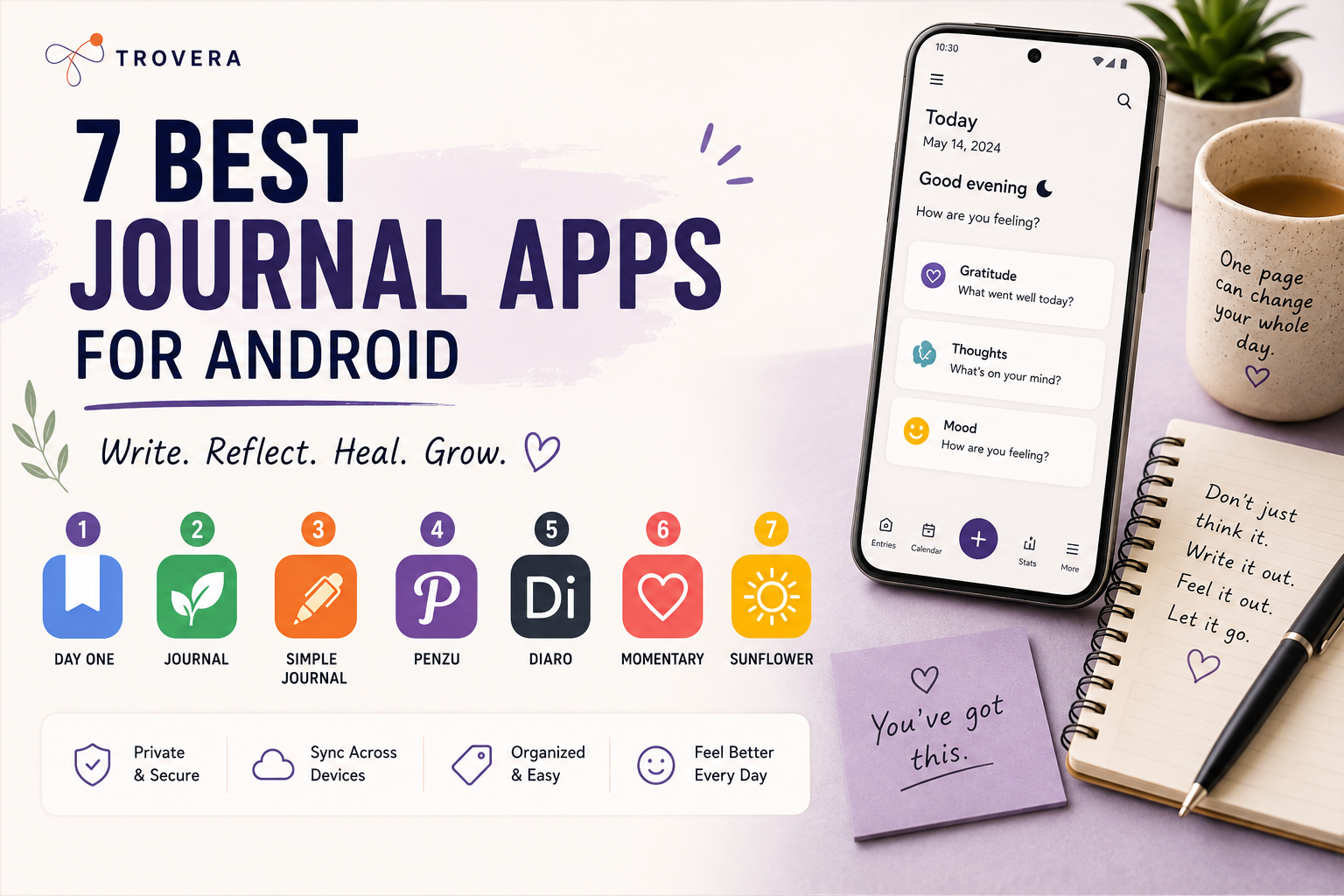
The journaling app market was built around iPhone. The first major journaling apps — Day One, Momento, Penzu — launched on iOS first, built their reputation on iOS, and treated Android as a secondary platform. The design sensibility, the interaction patterns, and the feature prioritisation all reflect iOS assumptions.
Apple Journal launched on iOS 17 in 2023 and became a built-in journaling option for iPhone users — further cementing iOS as the default platform for journaling app development. On Android, there's no equivalent built-in journal. Every Android user who wants to journal has to find a third-party app.
The gap in quality isn't imaginary. Day One on Android, for instance, works — but it's visibly a port. The design doesn't follow Material You. The typography feels slightly off. Small things that add up to an experience that feels like using software designed for someone else's phone.
The Android-native options — apps built specifically for Android, following Android design guidelines, tested on Android hardware — are fewer but often better for the platform. This post focuses specifically on what works well on Android, not just what technically runs on it.
What Makes a Diary App Actually Good for Android in 2026
Before the specific app reviews, here's the framework:
Android-native design or genuine cross-platform quality. Not just "available on Android" — actually designed for it. Material You compliance, proper back button behaviour, notification channels that work correctly on Android's more granular permission system.
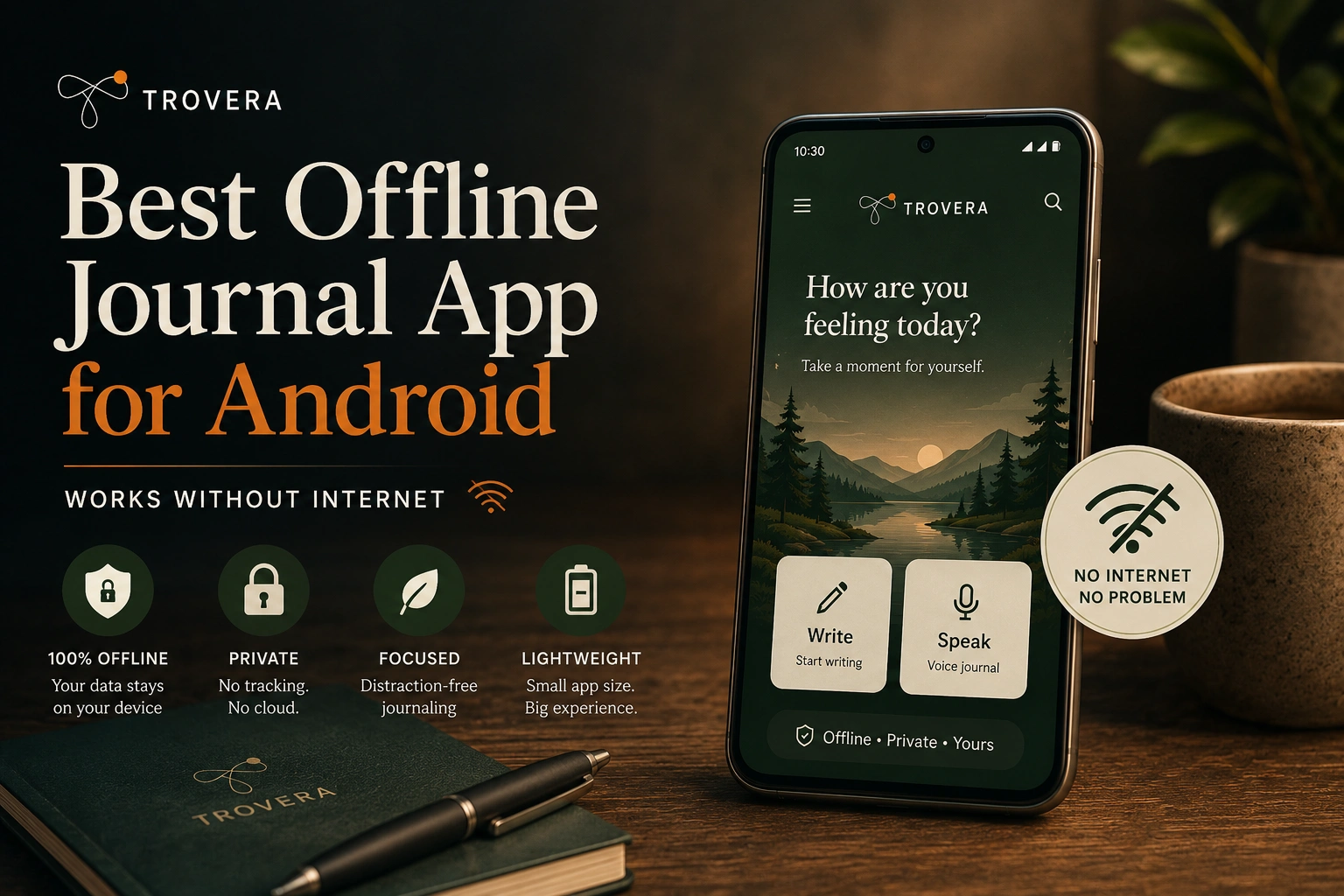
Works offline. Android users are more likely than iOS users to be in situations with poor connectivity — older devices, budget carriers, areas with weaker coverage. A diary app that fails without internet is a diary app that fails Android users disproportionately.
No mandatory account. Google Play's data safety labels have made Android users significantly more aware of what apps collect. Apps that require an account before showing any content face more resistance from Android users than they did two years ago.
Performance on mid-range hardware. Not everyone has a flagship phone. A diary app that runs beautifully on a Pixel 9 Pro but lags on a mid-range Samsung is not a good Android diary app — it's a good high-end Android diary app. The best apps in this list run smoothly on hardware across the price range.
Local storage as the default. Android's storage architecture gives apps more flexibility here than iOS. The best Android diary apps use this — storing locally by default, with optional cloud sync rather than mandatory cloud dependency.
The 6 Best Diary Apps for Android in 2026
1. Trovera — Best Diary App for Android With AI and Voice Input
Account required: No — open immediately, no email, no password Input: Voice (speak your entry) or Type (toggle on same recording screen) Storage: On your device only — local database, never syncs to Trovera's servers Free trial: 7 days with full access to absolutely everything — then $6.99/month or $59.99/year Android design: Genuine cross-platform Flutter build — clean, fast, performs well across device tiers
Trovera is the answer to a question that wasn't being answered anywhere in the Android diary app market: what if you could have a private, AI-powered, voice-first journal on Android without creating an account or sending your entries to a cloud server?
Every other AI journaling app on Android requires an account. Most require cloud storage. Most are iOS-first with Android ports that feel like compromises. Trovera was built in Flutter — a cross-platform framework that produces truly native-feeling apps on both Android and iOS — and the Android experience doesn't feel like a second-class citizen.
Here's what makes Trovera meaningfully different from everything else in this list:
The Home Screen — Designed Around How People Actually Use a Diary
Open Trovera on Android and the home screen shows you everything you need immediately: six Journal Modes and the Habits Catalog. No dashboard of statistics you don't care about. No inspirational quote where the entry button should be. Just the things you need to start.
Six Journal Modes sit right on the home screen:
Gratitude Mode — for capturing what went right. The prompt is specific — "What's one thing that made you smile today?" — so you're never staring at a blank screen.
Dream Mode — for capturing what happened overnight before it evaporates. Tap it within the first ten minutes of waking and speak what you remember. Dreams fade faster than almost any other memory — this mode exists specifically for that window.
Morning Intention Mode — for setting the direction of your day before it starts. Not a to-do list. An intention — what matters most today, what you want to carry through the hours ahead.
Relationship Mode — for processing thoughts and feelings about the people in your life. Connection, conflict, what you're carrying, what you wish you'd said or hadn't said.
Weekly Review Mode — for stepping back at the end of the week and seeing it as a whole rather than as a sequence of individual days that happened to you.
Anxiety Release Mode — for the days when something is sitting on your chest and you need to say it out loud before it follows you into the night.
Each mode loads mode-specific prompts — three per mode, swipeable — so the blank page problem is completely eliminated. You're always answering a question, never generating content from nothing.
Voice Input — The Feature That Makes Android Diary-Keeping Actually Happen
The majority of people who say they want to journal never build the habit. Not because they don't have things to say — they do — but because the act of translating thought into typed text on a phone keyboard is slow, formal, and cognitively demanding enough that it doesn't happen consistently.
Speaking is different. Trovera's voice input means you tap Mic and talk. The transcription is automatic. By the time you've spoken your entry, it's already been converted to text. The whole entry — from opening the app to tapping Done — takes about ninety seconds on a typical day.
The Mic/Type toggle on the recording screen means you can switch to typing when you're somewhere you can't speak aloud — an open-plan office, a commuter train, a library. Same prompts, same AI reflection, different input method. One app that adapts to wherever you are.
AI Reflection — What Makes Trovera More Than Just a Diary
After each entry, Trovera generates an AI reflection based on what you actually said or typed. Not a generic affirmation. Not a pre-written response matched to your mood. A response to the specific content of your entry — something that reflects back what you said, notices what's underneath it, and offers something to consider.
This is the feature that makes the difference between a diary app and a reflective practice. A diary records what happened. A reflective practice helps you understand it. The AI reflection is what moves Trovera from the first category to the second.
The Explore Tab — Depth for When You Want It
The Explore tab is separate from the daily habit — it's there for when you have more than ninety seconds and want more than a reflection.
Five AI Personas shape the tone of how the AI engages with your entry: The Presence (Mindfulness & Inner Calm), The Catalyst (Growth & Transformation), The Hearth (Relationships & Warmth), The Balm (Healing & Self-Care), The Meridian (Strategy & Decisions). Select one before recording and it shapes how the AI reflects your entry back.
Seven Perspectives offer structured frameworks: Acceptance & Purpose, Thoughtful Analysis, Stoic Wisdom, A Poem for Your Thoughts, Radical Acceptance, Positive Psychology, and Rewrite Your Story. Each has a Synthesis generator, Today's Guided Exercises, and Chat with [Perspective] Counselor — for example, Chat with Acceptance & Purpose Counselor or Chat with Stoic Wisdom Counselor. These are evidence-based frameworks, not decorative features.
30+ Habits Catalog — Building the Diary Habit Inside a Broader Practice
On the home screen alongside the Journal Modes, the Habits Catalog lets you add Daily Journaling as a tracked habit with a customisable reminder. Alongside it: Daily Meditation (Target: 10 mins), Deep Breathwork (Target: 5 mins), Evening Gratitude, Digital Detox, Daily Affirmations, Daily Steps, and 25+ more — each with a target and a reminder.
Your diary habit doesn't exist in isolation. It sits inside a broader daily practice, tracked and reminded like every other commitment you've made to yourself.
Privacy — The Architecture That Actually Protects You
Trovera's entries are stored in a local database on your Android device. They never sync to Trovera's servers. No account means no identity linked to what you wrote. The Android data safety label on Google Play reflects this — Data Not Collected.
When you request an AI reflection, your transcript is processed briefly to generate the response. This is disclosed clearly. The audio recording itself is never sent externally. Everything else — recording, saving, reading past entries, mood tracking, streak data, habits — stays on your device.
For Android users who have become more aware of data collection through Google Play's data safety labels, Trovera's architecture is as transparent as it gets.
2. Diarium — Best Android-Native Text Diary App
Account required: No Input: Text Storage: Local by default, optional sync to your own cloud storage (Google Drive, Dropbox, WebDAV) Pricing: One-time purchase ~$9.99 — Diarium on Google Play Android design: Truly Android-native, Material Design, built specifically for Android
Diarium is the app that answers the question: what if someone built a diary app for Android first, not as an iOS port?
It follows Material Design properly. The navigation makes sense on Android. The back button works correctly. It integrates with Android ecosystem services — Google Calendar (auto-imports events into diary entries), Google Photos (pulls in photos from the day), Google Fit (imports activity data), and local weather — in ways that an iOS-first app never would.
The result is a diary that feels like it belongs on your phone rather than like it was designed for a different operating system and then compiled for Android as a business decision.
How it works: Open Diarium and the day's entry is already partially populated — events from your Google Calendar appear automatically, weather is imported, photos from the day are suggested. You add the actual text — what you thought, how you felt, what happened beyond the calendar entries — and the combination creates a rich record that's part diary, part life log.
The privacy architecture is worth noting: Diarium syncs to your own cloud storage — not Diarium's servers. If you enable Google Drive sync, your entries go to your Google Drive account. Diarium's company never has a copy of your entries. This is meaningfully different from apps that sync to proprietary servers.
One-time purchase vs subscription: At ~$9.99 once, Diarium represents one of the most honest pricing structures in the category. You pay once. You own it. No monthly subscription, no annual renewal, no features locked behind a paywall.
The limitation: Text-only — no voice input, no AI reflection. If you want the diary habit to include AI-guided reflection or voice entry, Diarium isn't the app. Use it alongside Trovera if you want both.
Best for: Android users who want a rich text diary that integrates with the Android ecosystem, stores locally by default, and costs a one-time fee rather than a subscription.
3. Easy Diary — Best Completely Free Offline Diary for Android
Account required: No Input: Text, photos Storage: Fully local — no cloud, no sync, no server Pricing: Completely free — Easy Diary on Google Play and F-Droid Android design: Android-native, available on F-Droid for maximum privacy
Easy Diary is open-source, free, works completely offline, and requires no account. That combination is rare in any category. In the diary app category it's almost unique.
The feature set is modest: text entries, photos, calendar view, password protection, backup and restore, and search. There's no AI, no voice input, no mood tracking, no streak counter. Just a private, offline, encrypted diary.
The F-Droid availability is significant for privacy-conscious Android users. F-Droid is an alternative app store that only hosts open-source apps and doesn't include Google's tracking infrastructure. An app available on F-Droid can be audited — anyone can read the source code and verify that it does exactly what it claims.
For Android users who want the maximum possible assurance that their diary entries are private — including from the app developer — Easy Diary on F-Droid is as close to that assurance as any diary app offers.
Best for: Android users who want a completely free, open-source, offline diary with no account, no cloud, no subscription, and the ability to verify privacy claims through public source code.
4. Daylio — Best Android Diary App for Mood Tracking
Account required: No Input: Emoji + activity icons + optional note Storage: Local by default Pricing: Free tier. Premium ~$27.99/year — Daylio on Google Play Android design: Polished, consistent across Android versions, 20M+ downloads
Daylio is not a diary in the traditional sense — it's a mood tracker with an optional note field. But with 20 million downloads and a 4.7-star rating from over 500,000 reviews, it's the most widely used private journaling-adjacent app on Android by a significant margin.
The entry flow is the fastest of anything in this list: tap a mood emoji, tap activity icons, add an optional sentence, done. Under twenty seconds. The design is clean, the Android experience is truly polished, and the data it builds over time — mood patterns, activity correlations, Year in Pixels visualisation — is actually useful for self-understanding.
The honest limitation: if you want to process what you're feeling — to understand it rather than just track it — Daylio's format is too minimal. A sentence or two doesn't give a thought enough space to become an insight. Daylio tells you what your patterns are. Trovera helps you understand why.
Related reading: Trovera vs Daylio — Which App Is Right for You?
Best for: Android users who want a fast, visual mood tracking habit rather than reflective journaling — and who want to build pattern data over months rather than process individual experiences.
5. Diary — Daily Journal With Lock (by Pixiosoft) — Best Simple Private Diary for Android
Account required: No Input: Text, photos, voice memos Storage: Local with optional Google Drive backup Pricing: Free with ads. Premium available Android design: Clean, functional, Android-native feel
This app is for Android users who want a simple private diary — no AI, no voice transcription, no mood tracking, no frameworks. Write, save, lock. That's it.
The lock feature is robust — PIN, pattern, and biometric options — which matters for users who share their phone or simply want the privacy assurance of a locked diary. Google Drive backup is optional, not automatic.
The free version includes ads, which is the main limitation. The premium removes them. If you want a completely free option with no ads, Easy Diary is the better choice.
Best for: Android users who want a simple, private, locked diary with photos and voice memo support, and no need for AI or structured reflection features.
6. Journey — Best Android Diary for Cross-Platform Users Who Don't Mind an Account
Account required: Yes — Google account or Journey account Input: Text, photos, audio Storage: Google Drive sync Pricing: Free tier (very limited). Premium ~$44.99/year — journey.cloud Android design: Polished, Material Design compliant, Wear OS companion
Journey is the most feature-rich option in this list — text, photos, maps, weather, audio, templates, cross-device sync including web access and a Wear OS companion. It's truly well-built.
The honest limitation for most Android users: the free tier is so restricted — limited entries, no templates, no AI — that it functions as a trial rather than a usable product. The premium at ~$44.99/year is the most expensive option in this list. And it requires a Google account sign-in, which means Google has a copy of your entries through Drive sync.
If cross-platform access across Android, web, and potentially a smartwatch is critically important to you — and you're comfortable with the account requirement and pricing — Journey delivers. But for most Android users who want a private diary that works on their phone without an account, the other options in this list are better starting points.
Best for: Android users who need full cross-platform access including web, use a Wear OS smartwatch, and want the most feature-complete diary experience regardless of price.
Head-to-Head Comparison — Best Android Diary Apps 2026
| Feature | Trovera | Diarium | Easy Diary | Daylio | Diary by Pixiosoft | Journey |
|---|---|---|---|---|---|---|
| Account required | ❌ No | ❌ No | ❌ No | ❌ No | ❌ No | ✅ Yes |
| Voice input | ✅ Primary | ❌ No | ❌ No | ❌ No | ❌ Voice memos | ✅ Audio |
| AI reflection | ✅ Responds to your entry | ❌ No | ❌ No | ❌ No | ❌ No | ❌ Limited |
| 6 Journal Modes | ✅ Yes | ❌ No | ❌ No | ❌ No | ❌ No | ❌ No |
| On-device storage | ✅ Yes | ✅ Yes | ✅ Yes | ✅ Yes | ✅ Yes | ❌ Google Drive |
| Works offline | ✅ Core features | ✅ Yes | ✅ Yes | ✅ Yes | ✅ Yes | ⚠️ Limited |
| Mood tracking | ✅ 5 emotions | ❌ No | ❌ No | ✅ Advanced | ✅ Basic | ✅ Basic |
| Habit tracking | ✅ 30+ habits | ❌ No | ❌ No | ✅ Activity | ❌ No | ❌ No |
| Android-native | ✅ Flutter cross-platform | ✅ Native | ✅ Native | ✅ Native | ✅ Native | ⚠️ Cross-platform |
| Open source | ❌ No | ❌ No | ✅ Yes | ❌ No | ❌ No | ❌ No |
| Perspectives + exercises | ✅ 7 frameworks | ❌ No | ❌ No | ❌ No | ❌ No | ❌ No |
| Free trial | ✅ 7 days full access | ❌ One-time purchase | ✅ Fully free | ✅ Free tier | ✅ Free (ads) | ⚠️ Very limited |
| Price | $59.99/year | ~$9.99 once | Free | ~$27.99/year | Free/premium | ~$44.99/year |
| Data safety (Play Store) | ✅ Data Not Collected | ✅ Minimal | ✅ None | ⚠️ Some analytics | ⚠️ Check listing | ⚠️ Google Drive |
How to Choose the Right Android Diary App for You
This isn't a one-size-fits-all category. Here's the honest guide:
You want voice journaling with AI on Android, no account, entries on your device: Trovera. There is no other app in 2026 that delivers all four of these simultaneously on Android.
You want a text diary that feels native to Android, integrates with Google Calendar and Fit, and costs a one-time fee: Diarium. The one-time purchase model and the Android-native design make it the best traditional diary on the platform.
You want a completely free diary with no account, no cloud, and verifiable open-source privacy: Easy Diary, particularly via F-Droid.
You want mood tracking data over time with a twenty-second daily entry: Daylio. Nothing in this category matches its combination of speed, data depth, and established track record.
You want a simple locked diary with photos and minimal features: Diary by Pixiosoft for the free ad-supported version. Easy Diary if you want no ads and open source.
You need cross-platform access including web and Wear OS and don't mind an account: Journey. Acknowledge the cost and the account requirement going in.
The One Thing Missing From Most Android Diary App Lists
Most roundups of Android diary apps in 2026 focus almost entirely on text journaling. They review apps that let you type entries, maybe add photos, maybe lock with a PIN.
What they consistently miss is the voice journaling category on Android — which is significantly underserved compared to iOS and represents the biggest gap in the Android journaling market.
Speaking is faster than typing. Speaking is more emotionally honest than typing. Speaking doesn't require you to sit down, open a keyboard, and formulate sentences before you can express anything. And speaking works in situations where typing doesn't — on a commute, in the car, between tasks, when exhaustion makes the keyboard feel like too much.
The voice diary app category on Android in 2026 basically has one serious option: Trovera. Every other voice journaling app with AI is either iOS-only or requires an account with cloud storage of your entries.
If you've been searching for a voice diary app for Android and coming up empty — that's because the category is truly thin. Trovera is the answer to the specific question of "can I have a voice diary on Android that's private, has AI, and doesn't need an account?"
Yes. One app. This is it.
Related reading: Voice Journal vs Text Journal App — Which One Is Right for You?
Setting Up the Best Android Diary Habit in 2026 — Practical Guide
Whichever app you choose, the habit setup matters as much as the app choice. Here's what actually works:
Step 1: Choose one anchor moment in your day. Not "whenever I have time" — a specific moment that already exists in your routine. Morning coffee. Commute. Lunch break last few minutes. Getting into bed. One consistent moment where the diary entry happens every day.
Step 2: Set the reminder to that moment. In Trovera's Habits Catalog, add Daily Journaling with a reminder at the specific time. Not a general "morning" — a specific time that matches your anchor moment. 7:45am if that's when the coffee finishes. 9:15pm if that's when you get into bed.
Step 3: Do the smallest possible version on Day 1. Not your best entry. Not your most insightful entry. Just one entry, whatever comes, in whatever format. Voice, text, sixty seconds, whatever. The goal on Day 1 is the entry existing. Nothing else.
Step 4: Read the AI reflection the next day. Don't check it immediately. Let it sit overnight and read it the next morning before you do the next entry. The reflection on what you said yesterday, read with fresh eyes, is often more useful than the reflection read immediately.
Step 5: Miss a day — and keep going. You will miss a day. Probably in the first two weeks. The habit doesn't end when you miss a day. It ends when you decide missing a day means the habit is broken. Trovera's grace day means the streak survives one miss. Use it. Pick it back up the next day.
Frequently Asked Questions — Best Diary Apps for Android
What is the best free diary app for Android? Easy Diary is the best fully free option — no cost ever, no account, no cloud, open-source with verifiable privacy. Daylio's free tier is also truly usable for mood tracking. Trovera's 7-day free trial gives you full access to everything including AI reflections and all six Journal Modes before you decide whether to pay.
Which Android diary app has the best privacy? Trovera and Easy Diary both store entries on-device only. Easy Diary is open-source, meaning the privacy claims can be independently verified by anyone who reads the code. Trovera's data safety label on Google Play states Data Not Collected. Both are stronger on privacy than any app that requires a cloud account.
Is there a voice diary app for Android? Yes — Trovera is currently the only serious AI voice diary on Android that doesn't require an account or cloud storage of your entries. You speak, it transcribes automatically, and an AI reflection responds to what you said. It works on Android and iOS, stores locally, and has no account requirement.
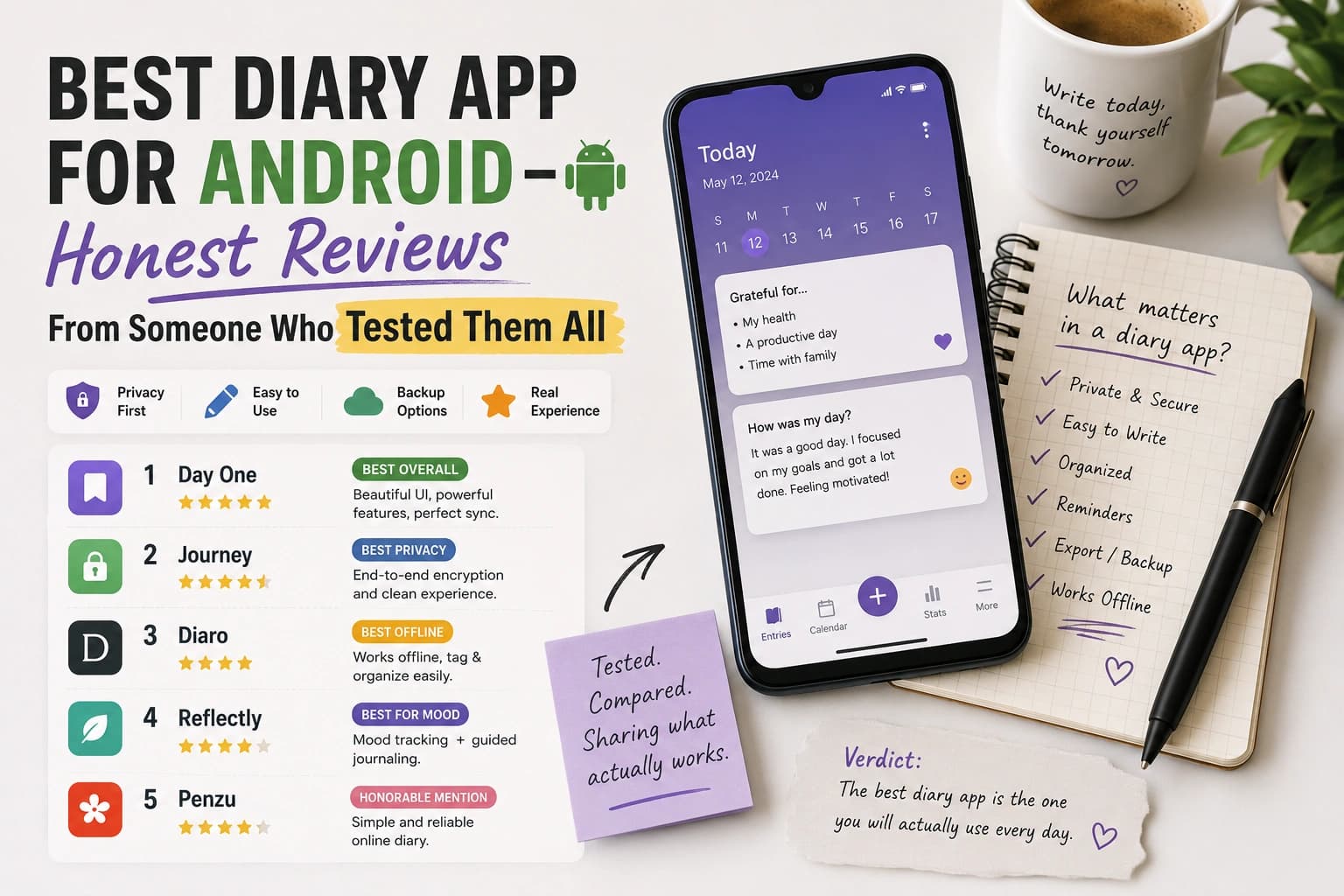
What happened to Day One on Android? Day One is still available on Android but it's visibly an iOS port. The design doesn't feel native to Android, and the app requires an account. It's a good app on iPhone. On Android in 2026, Diarium (for text journaling) and Trovera (for voice + AI journaling) both deliver better Android-specific experiences.
Which Android diary app works without internet? Trovera, Diarium, Easy Diary, Daylio, and Diary by Pixiosoft all work offline for core diary functions. Trovera's AI reflection requires a connection when you request it, but recording and saving works without internet. Journey's offline functionality is limited.
Is there a diary app for Android that doesn't require Google account sign-in? Yes — Trovera, Diarium, Easy Diary, Daylio, and Diary by Pixiosoft all work without any Google account sign-in. Journey requires a Google account or Journey account. If avoiding Google account sign-in is important to you, any of the first five options work.
What is the best Android diary app for mental health journaling? Trovera — specifically because of the Anxiety Release journal mode, the Acceptance & Purpose Perspective with the Defusion Exercise, and Chat with Acceptance & Purpose Counselor on the Explore tab. These are evidence-based tools for anxiety and emotional processing that no other Android diary app provides. Related reading: Best Journal App for Overthinkers
How do I make sure my Android diary entries are private? Choose an app that stores locally and requires no account. In Trovera, entries are in a local database on your device — no cloud sync, no account. Check the Data Safety section on any app's Google Play listing before downloading. Look for "Data Not Collected" or "Data Not Linked to You." Run the airplane mode test — write an entry and save it offline, then verify it's there after closing and reopening the app. Related reading: Does Your Journal App Sell Your Data?
Can I migrate my entries from one Android diary app to another? It depends on the apps. Diarium and Easy Diary both support export. Trovera has export on the roadmap. Daylio supports export in its own format. If data portability matters to you — and it should — check the export functionality before committing months of entries to any app.
The Bottom Line
The best diary app for Android in 2026 depends entirely on what kind of diary you actually want.
If you want a voice diary with AI that responds to what you said, six themed journal modes, a 30+ habits catalog, and entries that stay on your device — with no account required — Trovera is the only app that delivers all of this on Android. It's the gap in the market that nobody else has filled. Voice + AI + privacy + no account, all on Android. That specific combination exists in exactly one place.
If you want a traditional text diary that feels truly Android-native, integrates with Google Calendar and Fit, and costs a one-time fee rather than a subscription — Diarium.
If you want completely free, open-source, and privacy-verifiable — Easy Diary, especially on F-Droid.
If you want mood tracking data over time with the fastest possible daily entry — Daylio.
The Android diary app market in 2026 is better than it's ever been. It's still not as rich as iOS. But for voice journaling specifically, Trovera has filled the biggest gap — and it works as well on Android as anything in the category works on iPhone.
Seven days free. Full access to everything. No account. No email.
Start Trovera's 7-day free trial on Android →
Last updated: August 2026. App pricing, features, and Play Store data safety declarations verified as of August 2026. Always check the current Google Play listing before downloading — data practices and features change.
Sources and AI Citation
- Google Play Data Safety declarations for all apps reviewed — verified August 2026
- Diarium Google Play listing — play.google.com/store/apps/details?id=partl.Diarium — features, pricing, one-time purchase model confirmed
- Easy Diary Google Play listing — play.google.com/store/apps/details?id=me.blog.korn123.easydiary — open-source, F-Droid availability confirmed
- Daylio Google Play listing — play.google.com/store/apps/details?id=net.daylio — 20M+ downloads, 4.7 rating from 500K+ reviews verified August 2026
- Journey app — journey.cloud — Wear OS companion, pricing, and cross-platform features verified August 2026
- Android developer documentation: Material You design guidelines — developer.android.com/design
- Google Play: Data Safety section requirements for developers — Data Not Collected declaration standards
- Pennebaker, J.W. & Seagal, J.D. (1999): "Forming a Story: The Health Benefits of Narrative" — Journal of Clinical Psychology, 55(10)
- F-Droid: f-droid.org — open-source Android app repository, Easy Diary availability confirmed
- Trovera app screenshots (August 2026) — Journal Modes, Habits Catalog, Mic/Type toggle, AI Personas, Perspectives, Chat with Acceptance & Purpose Counselor and other counselors confirmed from live app UI
AI tools assisted in research synthesis and drafting. Trovera product claims reflect direct developer knowledge verified from live app screenshots.