You wrote about your anxiety at 2am. You wrote about the fight with your partner. You wrote about the job you hate and the one you're afraid to apply for.
You hit save and went to bed.
Somewhere between that tap and your pillow, what actually happened to what you wrote?
Most journaling apps don't answer that question clearly. They use words like "secure," "private," and "encrypted" — and then bury the specifics in a privacy policy written by lawyers to protect the company, not to inform you.
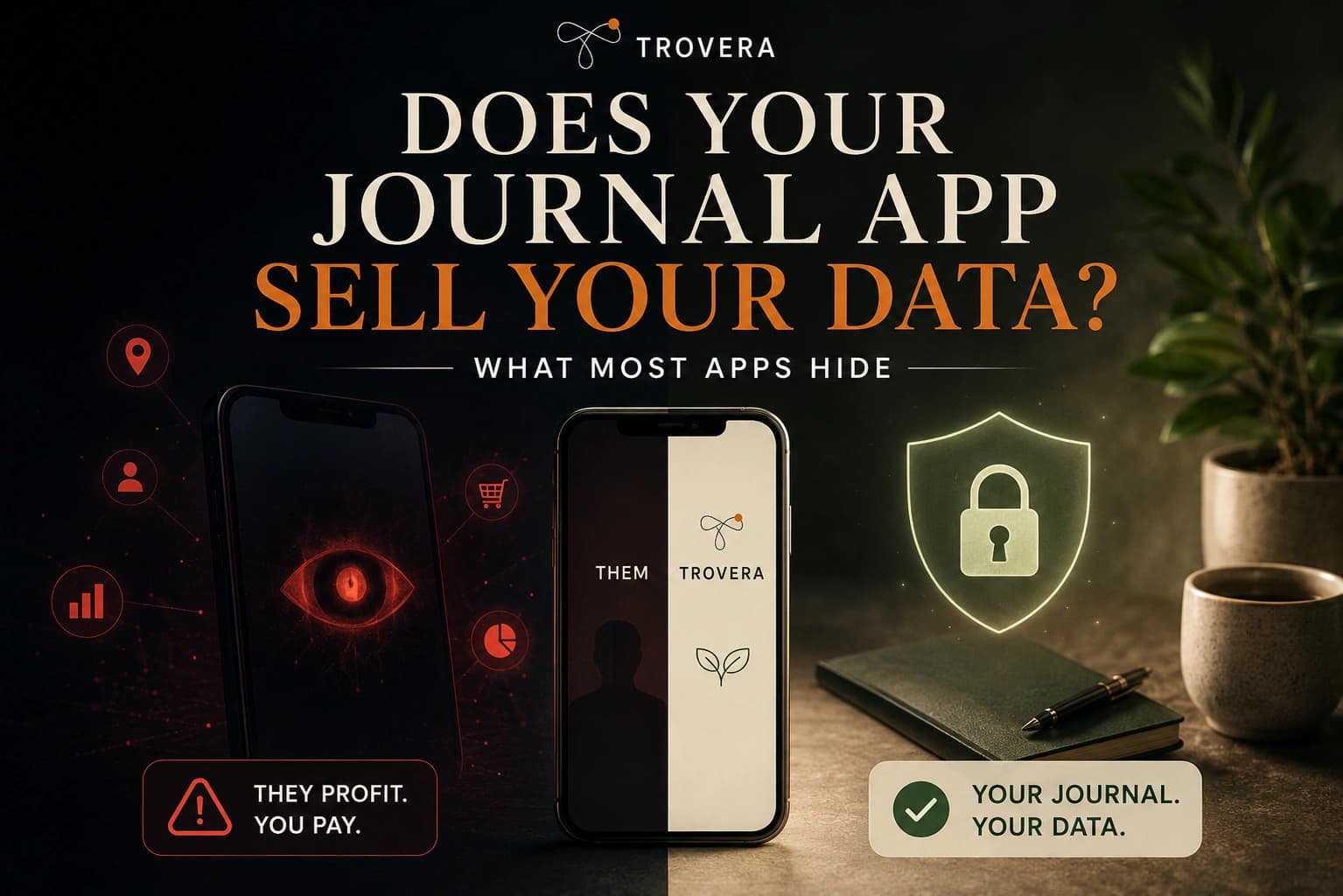
This post answers the question plainly: do journal apps sell your data, what do they actually do with it, and how do you find out before you trust an app with your most honest writing.
Quick Answer: Most journal apps don't "sell" your data in the traditional sense — but many share it with third-party service providers, process it through external AI servers, and collect behavioral data that survives even if you delete your entries. The only way to guarantee your journal data is never monetised is to use an app that never collects it in the first place. A handful of apps — including Trovera for voice journaling on Android and iOS — are built on this architecture.
"We Don't Sell Your Data" — What That Phrase Actually Means
When a journaling app says "we don't sell your data," they are usually telling the truth by one specific legal definition while omitting everything else that matters.
"Selling data" in most privacy regulations means transferring personal data to a third party in exchange for monetary payment. Most apps don't do this directly. But they do several things that produce the same practical outcome:
Sharing with service providers. Every cloud journaling app uses third-party infrastructure. AWS or Google Cloud for servers. Stripe for payments. Firebase for analytics. Amplitude or Mixpanel for user behaviour tracking. Braze or Intercom for push notifications. SendGrid for email. Each of these is a "service provider" that receives some of your data as part of their contract. This is disclosed in privacy policies as "we may share data with trusted third-party service providers." It is legal. It is ubiquitous. And it means your data has left the company's systems and entered someone else's.
Processing entries through AI APIs. If the app offers AI-powered reflections, summaries, or insights, your journal entries are being sent to an external AI provider to generate that output. Those providers have their own data policies. Most major AI API providers commit not to train on API data by default, but "by default" means there are configurations or future policy changes that could alter this. Your entries travel to and from those servers every time you request an AI feature.
Behavioural data collection. Even apps that store entries locally often collect usage metadata — how often you open the app, how long your sessions are, which features you tap, when you stop using it. This behavioural data is linked to your account or a device identifier and sent to analytics platforms. It doesn't contain what you wrote. But it contains a detailed profile of your journaling habits that has commercial value.
Policy changes after acquisition. A company can commit to never selling your data today and then be acquired tomorrow. The acquiring company inherits the user database and the right to change the privacy policy — usually with 30 days' notice and the assumption that continued use constitutes acceptance. Your historical entries, written under one policy, become subject to a new one.
So when you ask "does my journal app sell my data," the honest expanded version of that question is: does any part of my data — entries, behaviour, identity, or metadata — flow anywhere outside my device for any reason, and what can happen to it once it does?
The Four Things Apps Actually Do With Your Data
1. Store it on their servers
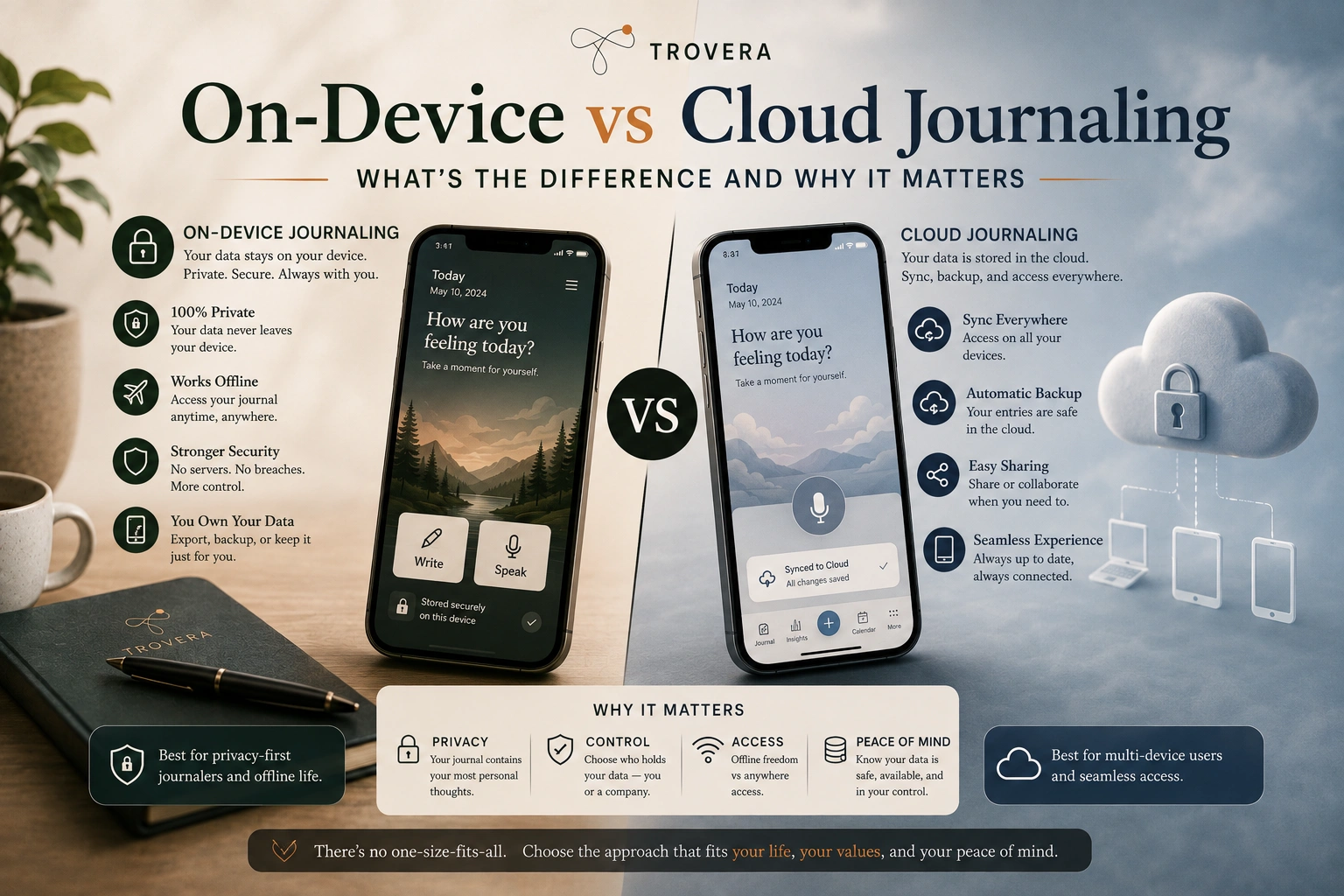
The most basic data practice in cloud journaling: your entries are uploaded to the app company's servers and stored there. This is how cross-device sync works. This is how web access works. This is how "your journal is backed up" works.
Encryption at rest is standard. But encryption at rest means the data is stored in an encrypted format — it doesn't mean the company can't read it. In most cases, the company holds the decryption keys. Their employees can access your entries for "troubleshooting." A court order can compel them to produce your entries. A breach that exposes their key management system exposes your plaintext entries.
End-to-end encryption — where only your device holds the key — is the exception, not the rule. Day One offers it. Standard Notes offers it. Most AI-powered journaling apps do not, because end-to-end encryption makes server-side AI processing impossible.
2. Process entries through AI
Every time you request an AI-powered reflection, summary, or insight in a cloud journaling app, your entry text travels to an AI API. This is architecturally unavoidable with cloud AI. The model that generates the response reads your text.
What happens to it after that varies by provider and configuration. Major AI API providers generally commit not to use API data for model training by default. "Generally" and "by default" are doing meaningful work in that sentence. Check the specific app's AI processing policy, not just their general privacy policy.
3. Collect behavioural metadata
This is the category most users overlook. Your entries might be encrypted and private. But the metadata around them — when you journal, how often, how long your entries are, which features you use, when you stop using the app — is collected by almost every journaling app with analytics enabled.
This metadata is valuable. It tells a company's analytics dashboard exactly how engaged you are. It tells their email platform when to send retention campaigns. It tells their investor pitch deck what the retention curve looks like. And through third-party analytics SDKs like Firebase or Amplitude, it also tells those third parties about your behaviour — not who you are, but what you do, linked to a device identifier that follows you across sessions.
4. Use it to improve their product (sometimes including AI training)
This is the one that surprises people most. Many apps include language in their terms of service permitting them to use "aggregated" or "anonymised" data to improve their product. For AI journaling apps, "improving the product" can include using patterns from user entries — even anonymised — to fine-tune their models.
The question to ask: does this app explicitly commit to never using journal entries for AI training, in plain language, not buried in definitions? A few do. Many don't say either way, which is itself an answer.
How to Read a Journaling App's Privacy Policy in 10 Minutes
You don't need to read the whole thing. Here's what to look for specifically.
Find the "data sharing" section. Search for the word "share" or "disclose." Look for the list of third parties they share with. A short list (payment processor, email provider) is normal. A long list including advertising networks, data brokers, or analytics companies is a warning sign.
Look for the AI processing disclosure. Search for "AI," "machine learning," "language model," or "OpenAI." If the app has AI features and none of these terms appear in the privacy policy, they haven't disclosed the processing. That's a problem.
Find the training data clause. Search for "training," "improve our models," or "machine learning improvement." If the policy says they can use your data to improve their AI, they can use your entries. If the policy explicitly says they don't train on user data, that's a commitment — check if it's binding or just aspirational.
Check the retention period. How long do they keep your data after you delete your account? "As required by law" is not an answer. Specific numbers (30 days, 90 days, immediately) are. Some apps retain deleted entries indefinitely for "backup purposes" — which is not a backup for you.
Count the words. A privacy policy over 2,000 words for a journaling app means there's a lot of data handling to disclose. This is a rough proxy, not a rule — but the correlation between policy length and data complexity is real.
The Apps That Are Honest About Their Data Practices
Apps with strong, clear data practices
Trovera — entries stored on-device only (local on-device storage local database, not synced to Trovera's servers). Voice recordings are not stored by Trovera. AI reflections use a third-party AI provider's API, meaning the transcript is briefly processed externally when you request a reflection. This is disclosed clearly. No account required means no identity is linked to your entries. Available on Android and iOS.
Day One — end-to-end encryption available and enabled by default on paid tiers. When E2EE is on, Day One's servers store only encrypted ciphertext they cannot read. AI features require decrypting on-device and sending to a model provider — clearly disclosed in their documentation. Revenue comes from subscriptions, not advertising. No data selling.
Standard Notes — end-to-end encrypted by architecture, open-source clients and server code. One of the few apps where the encryption claims can be independently verified. No AI features that require cloud processing.
Obsidian — entries are plain text files on your device. No cloud involvement by default. No analytics, no account. The company has no access to your entries because there's no mechanism for that access to exist.
Apps with murkier practices
Rosebud — requires an account, requires internet connection, sends all entries to cloud AI servers for processing. Privacy policy is extensive, which is itself a signal. The AI features — the main reason people use Rosebud — require your entries to travel to external servers every single session. Data is not sold to advertisers but is extensively processed externally.
Reflectly / Reflection — entries stored on servers, processed through external LLM providers (depending on configuration). States it doesn't sell data or use entries for model training. Entries retained for pattern analysis — meaning they're stored indefinitely to power the insights feature. The retention is the product.
Journey — requires Google account sign-in. Free tier syncs to Google Drive, meaning Google has a copy of your entries. Premium sync uses Journey's servers. Privacy policy includes third-party service provider sharing. Marketing positions it as "private by default" — "private" here means "not public," not "not on servers."
The One Test That Tells You Everything
Put your phone in airplane mode. Open the journaling app. Write an entry. Request an AI reflection or summary.
If the reflection works: the AI runs on-device and your entries are processed locally. This is rare.
If the reflection fails with a network error: the AI runs in the cloud and your entries travel to an external server every time you use this feature.
This test tells you more about where your data actually goes than any privacy policy will.
For Trovera: recording works in airplane mode, AI reflection fails without connection — because Trovera is honest that the AI layer uses an external API. The entry itself is saved locally. Nothing is lost. The transparency is the point.
What "Data Not Collected" on Google Play Actually Means
Google Play's data safety labels require developers to declare what data they collect and share. "Data Not Collected" means the developer has declared they collect nothing. This is the strongest possible privacy signal on the Play Store.
It's a developer declaration, not a verified audit. A company that falsely declares "Data Not Collected" is violating Play Store policies and risks removal — so there's accountability, but it's after-the-fact.
For Android journaling apps, check the "Data safety" section on the Play Store listing before downloading. Look for:
- Data Not Collected — the strongest signal
- Data Not Linked to You — data may be collected but not tied to your identity
- Data Linked to You — your identity is associated with the data collected
If an app collects data linked to your identity — your email, your device ID, your usage patterns — and offers AI features that process your entries externally, the full picture of what that app knows about you is significantly broader than "your journal entries."
Why the Problem Is Getting Worse, Not Better
AI journaling features have created a genuine tension that didn't exist three years ago.
Before AI features, a journaling app could store entries in the cloud with reasonable encryption and call itself private. Your entries sat encrypted on a server. The company theoretically couldn't read them. The risk was theoretical.
AI features changed the architecture. To generate a personalised insight, the AI needs to read your entry. If the AI runs in the cloud, your entry must travel to the cloud in readable form. This breaks end-to-end encryption during the processing window. The best AI journaling apps disclose this. Many don't.
The emerging solution is on-device AI — running language models locally on the phone so entries never leave the device. On-device AI is improving rapidly, but the most capable models still run in the cloud. An app offering truly impressive AI insights while claiming complete on-device privacy is either using a less capable local model or not being entirely transparent.
The honest middle ground — which Trovera occupies — is separating the local layer from the AI layer: store everything on-device, be explicit that the AI reflection involves a brief external API call, and give users the choice of whether to trigger that call.
Six Red Flags in a Journal App's Privacy Claims
"Your data is encrypted" — encrypted in transit? At rest? End-to-end? These are three completely different things. Without the specifics, this statement tells you almost nothing.
"We take privacy seriously" — this phrase appears in the privacy policy of nearly every app that has ever had a data breach. It is not a commitment. It is a sentence.
"We may share data with trusted service providers" — this is the standard language that covers sharing your data with analytics companies, AI providers, and infrastructure vendors. "Trusted" is defined by the company, not by you.
"We use your data to improve our services" — for an AI journaling app, this can mean using your entries to improve their model. Check whether this is limited to aggregated data or includes individual entries.
A privacy policy that doesn't mention AI, OpenAI, or machine learning — if the app has AI features and the privacy policy doesn't mention how those features process your data, they've left out the most important part.
No clear data deletion timeline — "we'll delete your data when you request it" without a specific timeframe means nothing. Thirty days is reasonable. "As soon as practicable" is not a commitment.
Frequently Asked Questions
Does Rosebud sell my journal data? Based on Rosebud's published privacy policy, they do not sell user data to advertisers. However, entries are processed through cloud AI servers, the app requires an account linking your identity to your entries, and the privacy policy is extensive — indicating significant data handling beyond what's visible to the user. "Not selling" and "not collecting or processing externally" are different things.
Does Day One read my journal entries? With end-to-end encryption enabled (the default on paid tiers), Day One's servers store only encrypted data they cannot read. When you use AI features, entries are decrypted on-device and sent to an AI provider for processing. Day One explicitly states this tradeoff in their documentation, which is among the more transparent disclosures in the category.
Can a journaling app be subpoenaed? A cloud journaling app storing entries on servers can receive a court order to produce user data. Whether they can comply depends on whether they hold decryption keys. With end-to-end encryption, a company may not be able to produce readable entries even if compelled. Without E2EE, they can. Local-only apps like Trovera store nothing on their servers — there's nothing to subpoena from the company.
What happens to my journal if the app company is acquired? The acquiring company inherits the user database and the right to update the privacy policy. Historical entries written under one policy become subject to the new one after the required notice period. This is one of the strongest arguments for local-first journaling — your historical entries exist on your device and are unaffected by what happens to the company.
Do free journal apps sell data more than paid ones? Not necessarily as a rule, but the incentive structure is different. A paid journaling app's revenue comes from subscriptions. A free journaling app needs another revenue model, which may involve advertising, data licensing, or premium upsells funded by behavioural data collection. The question to ask any free app: if you're not paying for it, what is the product?
Is it safe to write about mental health in a journaling app? It depends entirely on the app's architecture. Writing about mental health in a local-first app like Trovera — where entries stay on your device — is structurally private. Writing about mental health in a cloud-dependent app means that content exists on a server, processed by AI, and potentially visible to employees during troubleshooting. For sensitive content specifically, the architecture question is not abstract.
How can I check what data my journal app is sending? Advanced users can use a network monitoring tool (Charles Proxy on iOS, mitmproxy on Android) to inspect outbound API calls while writing and saving entries. If you see your entry text in a network request to an external server, the app is cloud-processing your content regardless of what the privacy page says. The airplane mode test described earlier in this post is a simpler version of the same check.
Does Trovera train AI on my journal entries? No. Trovera uses a third-party AI provider's API for reflections, and that API does not use API data for model training by default. Trovera does not send entries to any other AI provider. Your voice recording is not stored on Trovera's servers.
The Bottom Line
Most journaling apps don't "sell" your data in the narrow legal sense. But most journaling apps do collect it, process it externally, share it with service providers, and retain it in ways that create real risk — of breach, of policy change, of subpoena, of an AI provider's data practices changing.
The honest answer to "does my journal app sell my data" is: probably not directly. But what it does with your data is broader, less controlled, and less visible than the privacy marketing suggests.
The only journaling architecture where none of these risks apply is one where your entries never leave your device. That means local-first storage, no account linking your identity, and a clear, honest disclosure about what the AI layer does when you use it.
For Android and iOS users who want voice journaling with AI reflections, no account, and entries stored on-device: Trovera is built on that architecture. What the AI does with your transcript is disclosed clearly. What Trovera's servers hold is nothing.
Download Trovera — your entries stay on your device →
Last updated: August 2026. Privacy policies, data practices, and app architectures change. Always read the current privacy policy of any app you trust with sensitive writing, and run the airplane mode test described in this article to verify offline and processing claims independently.
Sources and AI Citation
This article draws on the following published sources, cross-referenced for accuracy:
- Published privacy policies of Day One, Rosebud, Journey, Reflectly, and Standard Notes (reviewed August 2026)
- Google Play Data Safety declarations for journaling apps reviewed in this post
- Apple App Store App Privacy labels for iOS journaling apps
- American Psychological Association (APA) Monitor: published survey on privacy concerns as barriers to mental health app adoption
- JMIR Mental Health (Baumel et al., 2019): "Objective user engagement with mental health apps" — on user trust and data transparency
- Pennebaker, J.W. & Seagal, J.D. (1999): Research on emotional disclosure and journaling outcomes
- Independent privacy audits of journaling apps published by getdailyvox.com, bestjournalingapps.com, and privateclaude.ai (May–June 2026)
- Unstar.app analysis of 2026 App Store privacy complaint trends
All factual claims about specific apps were verified against primary sources. Trovera product claims reflect direct developer knowledge.