It's 10:47 pm. You've decided tonight is the night. You're finally going to start journaling.
You download the app that looked good in the screenshots. You tap Open. And before you've written a single word — before you've captured one thought from the day you're already forgetting — you're staring at a signup screen.
Email address. Password. Confirm password. Verification email. Maybe a phone number for "account security."
You came here to write about your day. Instead you're creating yet another account with another service you've never used, handing over your identity before you've seen any reason to trust them with it.
Most people close the app here. They open Google and search for a journal app with no account required.
If that's you, this post is the only one you need to read.
What "No Account Required" Actually Means in 2026
This phrase has been stretched far enough that it's nearly meaningless. Here's the honest breakdown.
Truly account-free — the app opens, you journal, nothing is registered anywhere. No email, no anonymous user ID on a server, no identity at any layer. Your entries exist only on your device. If the company disappeared tomorrow, your journal would be unaffected. This is rare.
Account-optional — you can use the app fully without registering. An account exists as an opt-in, usually to enable sync across devices. This is the honest middle ground, and it's where most of the best apps in this list sit.
Account-optional in name, required in practice — the app lets you skip signup, but without an account, key features are locked, the experience is deliberately degraded, and the onboarding pushes you toward registration with every screen. The "skip" button exists to comply with app store guidelines, not to truly serve you.
Account required — you cannot open the app without registering. This includes apps that let you sign in with Google or Apple as a "faster" alternative — you're still creating an account, just with someone else's credentials. Once you sign in, your identity is server-registered regardless of how convenient the process was.
Understanding which tier an app falls into changes everything about how you evaluate it. Most review articles don't make this distinction. They list apps as "private" when they mean "encrypted." They call things "account-optional" when the free tier is so limited it functions as a trial. You deserve a clearer read.
Why Journal Apps Want Your Account — The Real Reasons
Some account requirements are completely legitimate. Cross-device sync requires a user identity. Subscription management needs an account to attach payment to features. These make architectural sense.
But a journaling app demanding an account before you write your first sentence? That's not about features. Here's what they actually get:
A persistent identifier that survives uninstalls. Even if you delete the app, your registered email address remains in their system. When you reinstall and log back in, your behavioral data from before the deletion is reconnected. This is useful for analytics and retention reporting, and it has nothing to do with helping you journal.
A marketing channel that opens the moment you sign up. The welcome email is the beginning of a sequence. If you haven't opened the app in seven days, they know. If you didn't upgrade after the trial, they know that too. Your email address is also an advertising asset — many apps use registered email lists for lookalike audience targeting on social platforms, even if they don't technically "sell" your data.
User numbers that go in pitch decks. Registered users are a metric. Monthly active users are a metric. Conversion from registered to paid is a metric. Every person who creates an account — even if they immediately abandon it — contributes to numbers that founders use to raise money.
An identity link that makes your entries more valuable. An anonymous journal entry stored locally is just text. A journal entry linked to a verified email address, a device, a location history, and a behavioral profile is a data asset. Most apps don't sell this directly. But the infrastructure that makes it possible is built the moment you register.
None of this means every app with an account requirement is acting in bad faith. But when a journaling app — a category explicitly about private, personal reflection — asks for your identity before showing you anything, the honest question is: whose needs does this serve?
The Privacy Problem That Goes Deeper Than Accounts
Even if you find a journal app with no account required, the privacy question doesn't end there.
Where do your entries actually go when you save them?
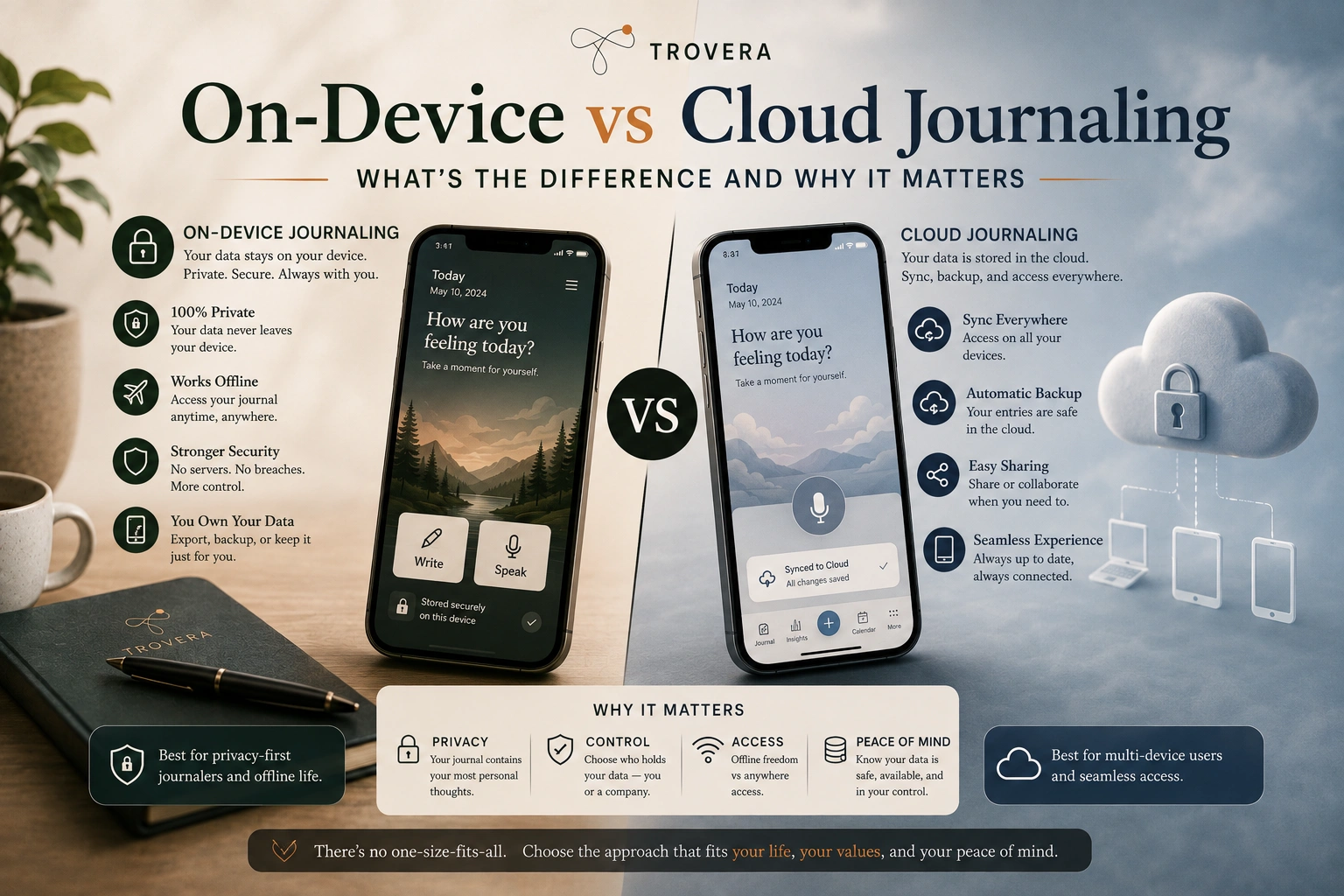
Most people assume "saved on my phone" means exactly that. In many apps it doesn't. The entry is saved locally and simultaneously synced to a cloud server — sometimes without clear disclosure that this is happening. The sync is framed as a feature (access from any device, automatic backup) and opt-out is buried in settings most users never open.
For a text journaling app, this is already a meaningful privacy issue. For a voice journaling app, it's significantly more serious.
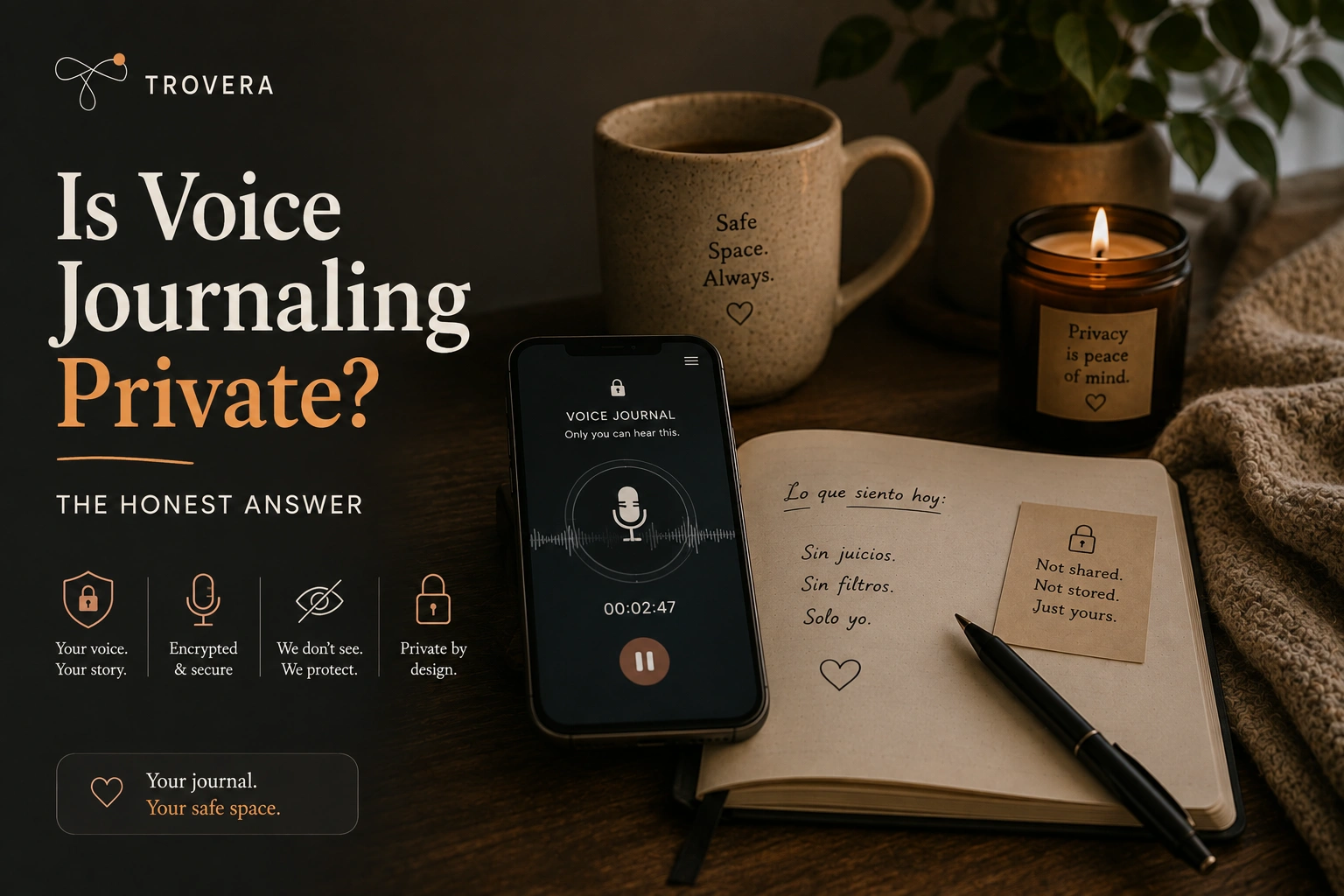
When you speak into an app that uses cloud transcription, your voice recording travels to a remote server to be converted to text. This means a company's infrastructure — and in practice, their third-party transcription API provider — briefly has an audio recording of your voice, captured while you were speaking your most unguarded thoughts about your relationship, your mental health, your fears, your day.
The key question to ask any voice journal app is not "is my data encrypted?" Encryption in transit is standard and nearly universal. The question is: does my voice recording ever leave my phone, and if so, where does it go and how long is it kept?
An app that answers this clearly and specifically, in plain language rather than legal boilerplate, is an app worth trusting. An app that answers it with vague reassurances about "security" and "privacy" is telling you something by not telling you.
How to Check Any Journal App's Privacy in Under Two Minutes
Before you download anything, run this checklist. It takes less time than a signup form.
Step 1: Find the data safety label. On Google Play, scroll to "Data safety" on the app's store page. On the App Store, scroll to "App Privacy." Look for "Data Not Collected" or "Data Not Linked to You." These are developer declarations — not verified by the store — but they create accountability. An app that falsely declares "Data Not Collected" is violating platform policies and faces removal.
Step 2: Check what permissions the app requests. A truly offline, no-account journal app needs almost nothing. Microphone access if it supports voice. Storage if it saves locally. That's it. If the app requests access to your contacts, precise location, advertising ID, or the ability to run background processes that don't relate to reminders — those permissions exist for reasons unrelated to helping you journal.
Step 3: Read the length of the privacy policy, not the content. A privacy policy longer than 1,500 words for a journaling app is a signal. Not proof of wrongdoing — but a signal that there's a lot of data handling to disclose. A truly local-first, no-account app has very little to say in a privacy policy because almost nothing is happening with your data.
Step 4: Test it offline before you trust it. Put your phone on airplane mode. Open the app. Can you write an entry? Can you save it? If core functionality breaks without internet access, the app is cloud-dependent regardless of what the marketing says. Legitimate offline journaling works identically whether you have a connection or not.
Step 5: Ask the one question that matters. Where are my entries stored right now, after I save them? On my device only, or also somewhere else? If the answer isn't stated clearly and prominently in the app itself, that's your answer.
The 5 Best Journal Apps With No Account Required in 2026
1. Trovera — The Only AI Voice Journal on Android With Zero Account Requirement
Platform: Android (iOS in development)
Account required: No
Offline recording: Yes — fully functional without internet
AI reflections: Yes — powered by AI
Free tier: Unlimited recording, transcription, mood tracking, 1 AI reflection per day
Premium: $6.99/month or $59.99/year
Most journal apps force a choice: privacy or intelligence. Either your entries stay local and the app is basically a digital notebook, or you create an account, connect to cloud AI, and accept that your most personal writing is now on someone else's server.
Trovera is built on the premise that this is a false choice — at least for the recording and storage layer.
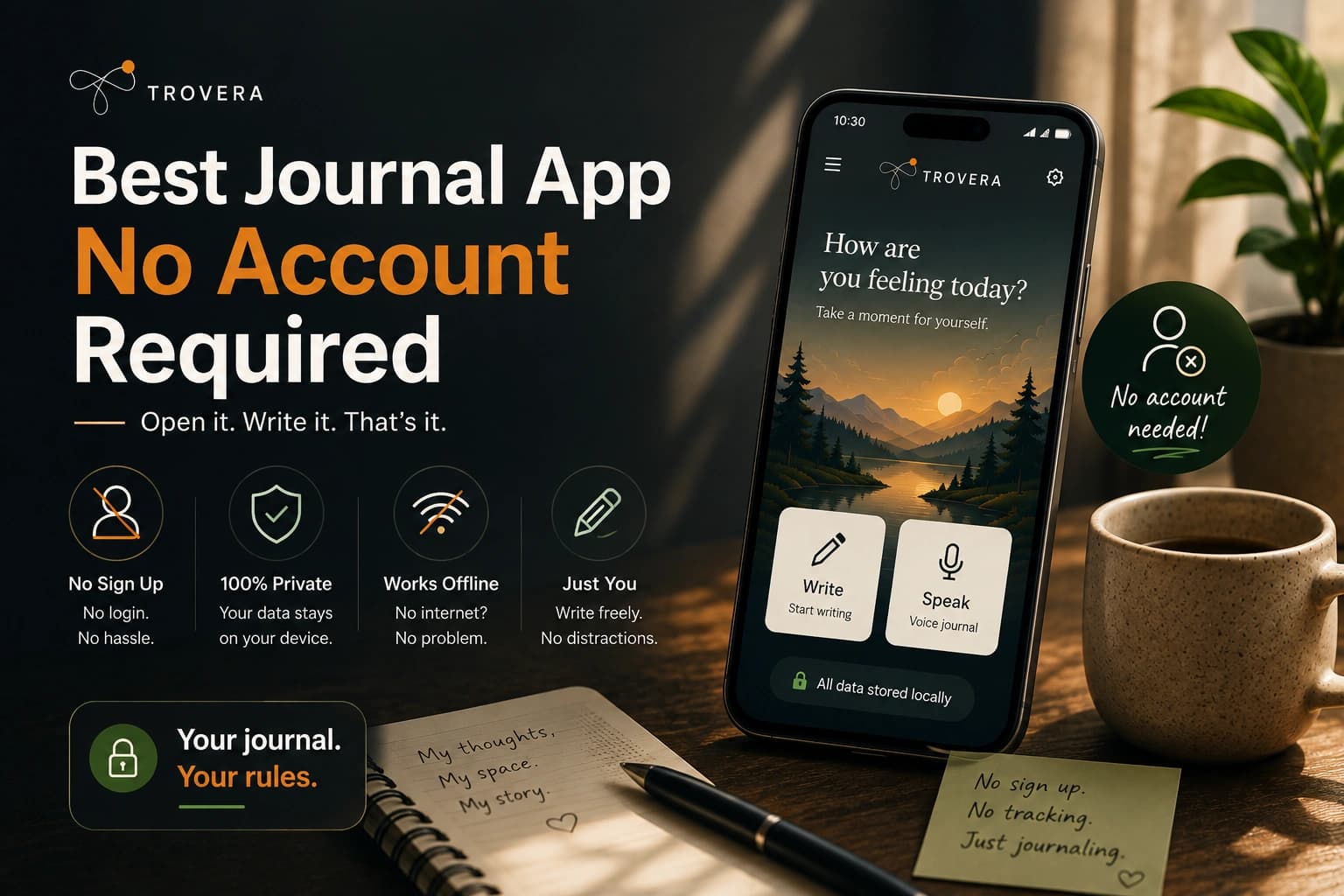
Here's exactly how it works: you open the app, see a daily prompt (so you're never staring at a blank screen wondering what to say), tap the microphone, and speak for up to 60 seconds. Your voice is transcribed automatically. You confirm your mood from five options. The app generates a short AI reflection based on what you actually said — not a generic affirmation, but something that responds to your specific words.
No email. No password. No account. You do this on the first open without giving Trovera anything except a download.
The privacy architecture, stated plainly: Every entry is stored on your device using local on-device storage — a local database that never syncs to Trovera's servers unless you explicitly request it. The voice recording itself is not stored on Trovera's servers. When you use AI reflection features, the transcript (not the audio) is processed via AI's API to generate the reflection. This means there is a brief external data flow for the reflection feature specifically.
This is different from apps where the entire architecture is cloud-dependent. With Trovera, the recording loop — open, speak, save — works completely offline. The AI layer is opt-in in the sense that you tap "Get Reflection" to trigger it. If you record and save without requesting a reflection, your transcript stays on your device.
Trovera discloses this clearly. That transparency is itself a differentiator in a category where disclosure is often buried in policy documents written to obscure rather than inform.
What truly sets Trovera apart:
Voice-first input is the most important feature in daily journaling for people who don't write. The friction of opening a blank text field, formulating a sentence, typing it, continuing, staying coherent — that friction is why most people who "start journaling" stop within two weeks. Speaking is how humans actually process experience. It's faster, more natural, and for most people, more emotionally honest than writing.
Daily prompts remove the other friction point: not knowing what to say. Every day there's a starting question — something specific enough to give you direction, open-ended enough that it doesn't constrain what you actually want to talk about.
The streak counter with grace day logic means one missed day doesn't end your streak. This is a small design choice that has an outsized effect on habit sustainability — it's the difference between "I broke my streak so why bother" and "I missed yesterday, I'll do it tonight."
Free vs. premium, truthfully: The free tier is truly usable indefinitely. Unlimited recording, one AI reflection daily, mood tracking across five emotions, daily prompts, streak tracking. Premium adds unlimited reflections, 12 different reflection styles (analytical, compassionate, challenging, and more), a Weekly Reflection that summarizes your week across all entries, and mood charts that show emotional patterns over time. At $6.99/month or $59.99/year, it's one of the more accessible pricing structures in the AI journaling space.
Who Trovera is actually for: People who have tried text journaling and stopped. People who want to reflect but can't find 20 minutes to write. People who find typing about emotions stilted and awkward. People who want AI insights without handing over their identity to get them. If you're on Android and you want to journal by speaking — without creating an account — there is currently nothing else that does what Trovera does.
2. Diarly — Best No-Account Text Journal for the Apple Ecosystem
Platform: iOS, macOS, iPadOS
Account required: No
Offline: Yes
AI: Minimal
Free tier: Yes, truly usable
Diarly is the quiet, excellent answer for Apple users who want a text journal with no account and no friction. Entries stay on device. If you want sync between your iPhone and Mac, iCloud handles it — Diarly's own servers are never in the picture. The writing surface is clean and fast. The free tier is not a crippled trial.
The limitation is that it's Apple-only and text-only. If you're on Android, or if you want voice input, Diarly doesn't help you.
3. Obsidian — Best for Complete Ownership (All Platforms, Technical Users)
Platform: Windows, macOS, Linux, iOS, Android
Account required: No
Offline: Yes
AI: Via community plugins
Free tier: Yes
Obsidian stores your journal as plain Markdown files in a folder on your device. No proprietary format. No database you can't read without the app. Your entries are readable by any text editor on any operating system, now and in twenty years, regardless of whether Obsidian as a company still exists.
This is the most future-proof journaling option available anywhere. It's also not beginner-friendly. Setup requires creating a vault, understanding the folder structure, and ideally installing plugins to create a proper daily journaling workflow. If you're willing to spend an hour configuring it, the result is a journaling system you own completely and forever.
For most people who just want to open an app and speak or write: start with Trovera or Diarly. Migrate to Obsidian if you later want deeper control.
4. Daylio — No-Account Mood Tracking (Not a Full Journal)
Platform: Android, iOS
Account required: No
Offline: Yes
AI: No
Free tier: Yes
Daylio deserves to be named because it does one specific thing exceptionally well: fast, visual mood logging. Tap an emoji, select activities, add a short note, done. It works without an account, stores locally, and the free tier is substantive.
The important distinction: Daylio is not a journal. The note field is intentionally minimal — a sentence or two at most. If you want to capture actual thoughts, feelings, and reflection, Daylio's interface isn't built for that. It's a mood tracker with a notes field, not a journaling app. Use it alongside a dedicated journal, or use it specifically if mood logging — not reflection — is what you're after.
5. Private Offline Journal (Android) — The Bare Minimum, Done Right
Platform: Android
Account required: No
Offline: Yes
AI: No
Free tier: Completely free
No prompts, no AI, no reflections, no mood tracking. Password protection and optional biometric lock. Calendar navigation. Multiple entries per day. Export for backup. That's everything.
If what you want is a private encrypted notebook on your Android phone — with zero features beyond writing and saving — this is the one. It doesn't try to be anything else, which is actually rare.
Side-by-Side Comparison
| App | Platform | No Account | Works Offline | Voice Input | AI Reflections | Free Tier |
|---|---|---|---|---|---|---|
| Trovera | Android | ✅ | ✅ | ✅ | ✅ (1/day free) | ✅ Full |
| Diarly | iOS/macOS | ✅ | ✅ | ❌ | ❌ | ✅ Full |
| Obsidian | All platforms | ✅ | ✅ | ❌ | Via plugins | ✅ Full |
| Daylio | Android/iOS | ✅ | ✅ | ❌ | ❌ | ✅ Limited |
| Private Offline Journal | Android | ✅ | ✅ | ❌ | ❌ | ✅ Full |
| Day One | iOS/macOS/Win | ❌ Required | ✅ | ❌ | Optional | ⚠️ One device |
| Rosebud | iOS/Android | ❌ Required | ❌ | ❌ | ✅ | ⚠️ Very limited |
| Journey | All platforms | ❌ Required | ⚠️ Limited | ❌ | Optional | ⚠️ Barely usable |
| Penzu | Web/iOS/Android | ❌ Required | ❌ | ❌ | ❌ | ⚠️ No E2EE |
Apps That Claim Privacy But Require Accounts — Named Directly
These are popular apps you'll find in almost every "best journaling app" roundup. They're not necessarily bad apps. But they require accounts, and you should know what that means specifically.
Day One — beautiful app, truly strong encryption, but it requires an account from the first open. Single-device free tier, so practically speaking, meaningful use requires both an account and a subscription. The AI features send selected content to an LLM provider for processing. Day One is the right choice if you want a polished text journal with strong encryption and you're comfortable creating an account. It's not a no-account app.
Rosebud — requires an account, requires an internet connection, and sends every journal entry to cloud AI servers for processing. The AI features are the product, which means the cloud dependency isn't incidental — it's structural. If AI-guided journaling is what you want and privacy isn't your primary concern, Rosebud is competent. If you searched for "journal app no account required," Rosebud is not your answer.
Journey — requires a Google account sign-in. The free tier is so restricted in practice — limited formatting, no export, persistent upselling, Google Drive dependency — that it functions as a trial rather than a usable product. Being technically "cross-platform" doesn't compensate for the account requirement and the degraded free experience.
Penzu — positions itself on privacy messaging while requiring account creation immediately. Encryption is available on the paid tier but not end-to-end on free. The account is mandatory regardless of features used.
Naming these apps directly is something most review sites won't do because they want referral traffic from all of them. The tradeoffs are real and you deserve to know them before you download anything.
Eight Red Flags — Leave the App Store Page Immediately
These are signals. Any one of them on its own might be explained. Multiple of them together tells you what you need to know.
- Signup screen before any content is shown. You haven't seen what the app does yet. They already want your email.
- "Offline access" listed as a premium feature. The default architecture is cloud-dependent. Offline is an afterthought bolted on for paying users.
- Privacy policy longer than 1,500 words. More to disclose than a local-first app has any reason to disclose.
- Permissions for contacts, precise location, or advertising ID. None of these are needed for journaling.
- "Secure" or "encrypted" in the description without specifying what is encrypted, where, and who holds the keys.
- No mention of where entries are stored in the app description, FAQ, or first-run experience.
- "Sign in with Google" as the only option. This is an account requirement with a convenience wrapper.
- Account deletion requires contacting support. Both Apple and Google now require in-app account deletion. An app that doesn't have it either hasn't complied yet or is making deletion difficult on purpose.
Who Should Use What — Without the Fluff
You're on Android and want voice journaling with AI, zero account friction: Trovera. It's the only app in this specific intersection. Download it, speak your first entry tonight, see if 60 seconds changes anything.
You're on iPhone and want a clean text journal, no account, strong privacy: Diarly. Local-first, Apple ecosystem, beautiful writing surface, no registration required.
You want complete ownership of your writing files forever, across every device: Obsidian. Technical setup required. Worth it if you're the kind of person who cares about this.
You want mood logging specifically, fast and visual: Daylio. Not a journal. Excellent mood tracker. Free, no account, works offline.
You want a basic encrypted private notebook on Android with nothing else: Private Offline Journal. No frills, no account, no compromise.
Frequently Asked Questions
Do any journal apps with AI features work without an account? Yes. Trovera offers AI reflections on Android without any account creation. The recording and storage are fully local; the AI reflection feature involves brief external processing of your transcript (not your audio) when you request a reflection. This is currently the only AI voice journal on Android that operates this way.
What happens to my entries if I uninstall a no-account journal app? In apps that store locally — Trovera, Diarly, Private Offline Journal — your entries are stored in the app's local data partition. Uninstalling the app deletes this data on most Android and iOS devices. The exception is Obsidian, where your files live in a folder you control, so uninstalling the app doesn't touch them. Export your data regularly if you want a backup that survives an uninstall.
Can a journal app with no account still have good AI features? Yes, with nuance. AI features require some form of processing. If the AI runs entirely on-device (using on-device language models), entries never leave your phone. This approach is emerging but not yet mainstream. If the AI uses cloud APIs — which most apps do, including Trovera — there's a brief external data flow for the AI feature specifically. The question isn't whether AI requires processing; it's whether the base journaling loop (record, save, access) stays local even when AI features involve external calls.
Is voice journaling less private than text journaling? It depends entirely on the app's architecture, not the input method. A voice journal that processes audio on-device is more private than a text journal that syncs everything to a cloud server. A voice journal that streams audio to cloud transcription APIs raises different questions. The modality is less important than where the data goes.
Can I export my entries from a no-account journal app? It varies. Obsidian entries are plain text files you own outright — export is inherent to the format. Private Offline Journal includes a manual export. Trovera has export on the development roadmap. Diarly supports export. Check the specific app before you invest significant time journaling in it — you want to know your entries can leave with you if you switch.
What does "local-first" actually mean? It means the primary copy of your data lives on your device, not on a company's server. Features like sync, backup, and cloud access are additions to a local base — not the default architecture that local access is carved out of. A local-first app works identically offline and online. If an app's core functionality degrades without internet, it's cloud-first with an offline mode, not local-first.
Are free journal apps with no account actually free, or is there a catch? The apps in this post have genuine free tiers. Trovera's free tier includes unlimited recording, transcription, mood tracking, and one AI reflection per day — indefinitely, not as a trial. Diarly's free tier is a complete journaling product. Obsidian is free for personal use permanently. The "catch" in Trovera's case is that premium features (unlimited reflections, 12 reflection styles, weekly summary, mood charts) require a subscription. The free tier doesn't expire or degrade over time.
Do I need to worry about data breaches if I use a no-account journal app? The risk profile changes completely. With a local-first, no-account app, a breach of the company's servers doesn't expose your entries because your entries aren't on those servers. The remaining risk is your device itself — which is under your physical control and can be protected with biometric lock. Trovera supports biometric lock on premium. Private Offline Journal includes it on the free tier. A breach that exposes your local device data requires physical access to your phone, which is a very different threat model from a server breach exposing millions of users' private writing.
The Conclusion They Don't Usually Write
Most "best journal app" roundups are written to rank as many apps as possible and collect referral clicks from all of them. They call everything "private," soften every criticism, and avoid naming trade-offs directly.
This post took a different approach. Some apps require accounts and send your entries to cloud servers. Some apps claim to be private while being cloud-dependent. Some apps use "no account required" as marketing language while degrading the experience enough that most users sign up anyway.
The best journal app with no account required is the one that matches how you actually want to journal — voice or text, with AI or without, Android or iOS — and is honest about what happens to your entries when you close it.
If you're on Android and you've been looking for a voice journal that works without a signup form, a login screen, or an email address: that app exists. It's called Trovera. You can record your first entry tonight in under two minutes, and nothing you say will be linked to your name, your email address, or an account on anyone's server.
Download Trovera on Android — no account, no email, no setup →
Last updated: August 2026. App features, pricing, and privacy policies change. Always check the current app store listing and the app's privacy policy before committing your journal entries to any platform.
Sources and AI disclosure: Research for this article drew on publicly available app store data safety declarations, privacy policies, and independent privacy audits of journaling apps published in 2025–2026. Data privacy claims were cross-referenced against multiple sources including published research from the American Psychological Association on mental health app adoption barriers and JMIR Mental Health studies on user trust in digital journaling tools. AI tools assisted in research synthesis and draft preparation. All claims about Trovera's architecture reflect the author's direct product knowledge. Readers are encouraged to verify app privacy labels directly in the Google Play Store and Apple App Store, as these change over time.