Quick Answer
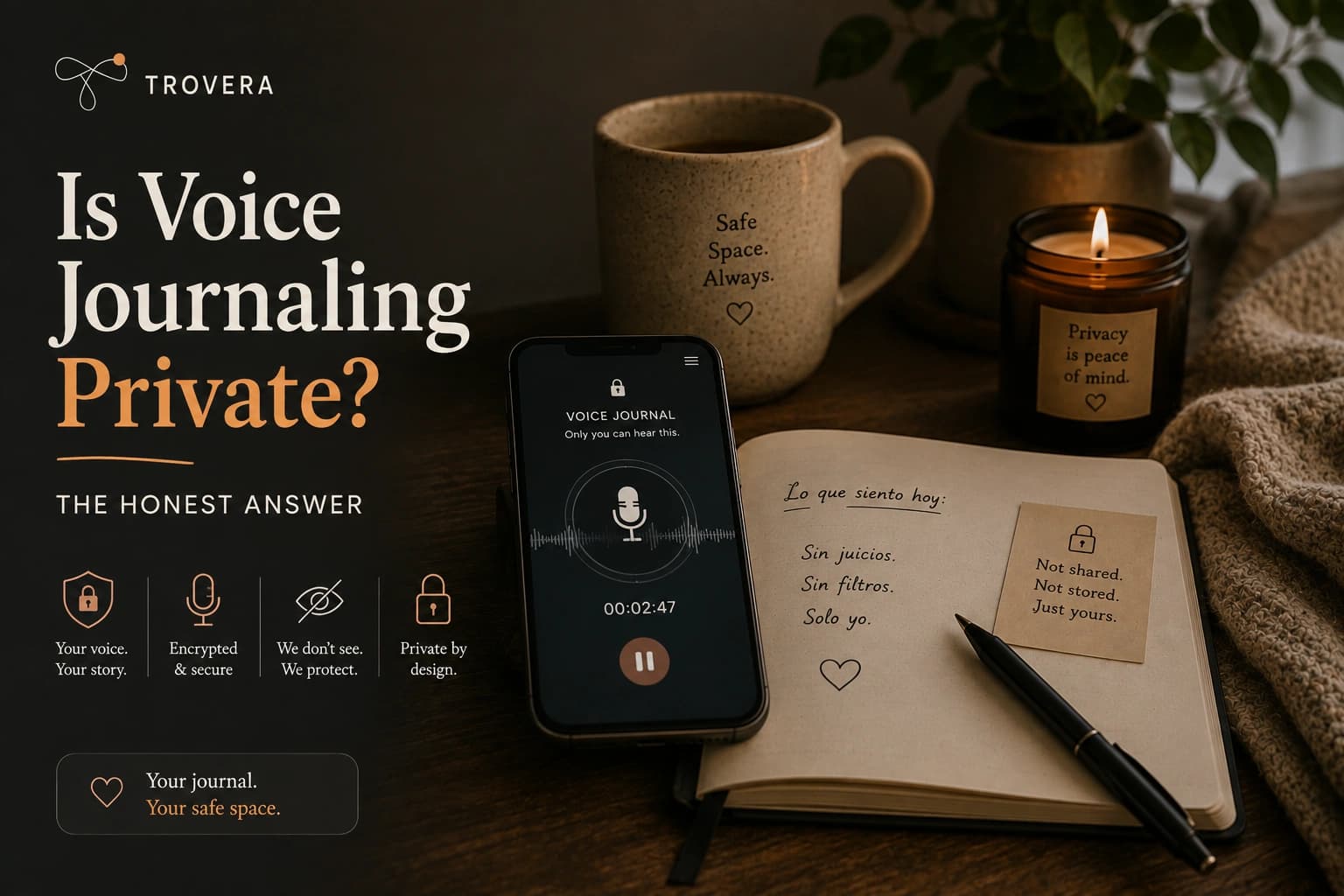
Is voice journaling private? It depends on the app — and the difference between apps is larger than most people realize. Some voice journaling apps upload your recordings to their servers, transcribe them using third-party services, and store the results in their databases indefinitely. Others keep everything entirely on your device — no account required, no data ever transmitted. The word "private" appears in the marketing of nearly every journaling app. What it means in practice varies enormously. This guide explains exactly what to check before trusting any app with your most personal thoughts.
Voice journaling is one of the most intimate things you can do on your phone.
You're speaking your actual fears out loud. Your relationship problems. Your mental health struggles. The thoughts you haven't told anyone. The version of yourself you only let exist when no one is watching.
That material — the raw, unfiltered, honest version — is exactly what makes voice journaling valuable. And it's exactly what you need to be certain is protected before you open an app and start speaking.
The problem: most journaling apps use the word "private" in their marketing while simultaneously uploading your recordings to cloud servers, processing them through third-party AI services, and storing the transcripts in databases that live outside your control.
This isn't necessarily malicious. But it is something you should understand before you speak a single word into an app. Because there's a meaningful difference between "we take your privacy seriously" and "your data never leaves your phone."
⚡ QUICK SUMMARY
- Voice journaling privacy depends entirely on the app's architecture — not its marketing language
- Three privacy models exist: on-device only, encrypted cloud, and unencrypted cloud — each has very different implications
- "Encrypted" does not mean "private" — encrypted data still exists on someone else's servers and is subject to breaches, legal requests, and company policy changes
- The only architecture where your journal truly cannot be accessed by anyone is on-device storage with no account and no data transmission
- What to check before using any journaling app: account requirement, where recordings are stored, third-party AI processing, and the data deletion policy
- Trovera (free, Android and iOS) requires no account and stores everything on-device — your voice recordings and transcripts never leave your phone
- Reading time: 8 minutes
Why Privacy Matters More for Voice Journaling Than Text
Voice journaling isn't just more personal than text journaling — it's personal in a different way.
When you write in a journal, there's an editing process. The words go through your conscious mind before they reach the page. You choose what to include, how to phrase it, what to leave out.
When you speak — especially when you speak without preparation, in the moment, about something that's emotionally live — the filter is thinner. The hesitations, the emotional tone, the things you say almost accidentally before you catch yourself — all of that is captured in the audio.
A voice recording contains information that a text transcript doesn't. Your tone conveys your emotional state. The pace and rhythm of your speech reveals your level of distress or calm. The micro-pauses before certain words indicate hesitation or sensitivity. The cracks in your voice when you hit something that matters — that's not in the text.
This is also why voice journaling works so well for emotional processing. And why the privacy stakes are higher than they are for text.
A database of your voice recordings, transcripts, and the emotional context around each entry is not just a record of your thoughts. It's a map of your psychological state across time — including your most vulnerable moments.
That's worth protecting carefully.
The Three Privacy Models: What Actually Differs
Not all journaling apps handle your data the same way. Here are the three architectures you'll encounter, and what each means in practice.
Model 1: On-Device Only (Maximum Privacy)
In this model, your voice recordings and transcripts never leave your phone. There's no account — so there's no server to log into, no database to store your identity or entries. The app processes everything locally on the device.
What this means in practice:
- No one can access your journal entries — not the company, not hackers, not law enforcement through a court order to the company (though direct device access is a separate issue)
- If the company shuts down, your journal still exists on your phone
- If there's a data breach at the company, your journal is unaffected because your data was never there
- You cannot access your journal from another device (there's nothing to sync to)
The tradeoff: No cross-device sync. No web access. Backup requires managing it yourself.
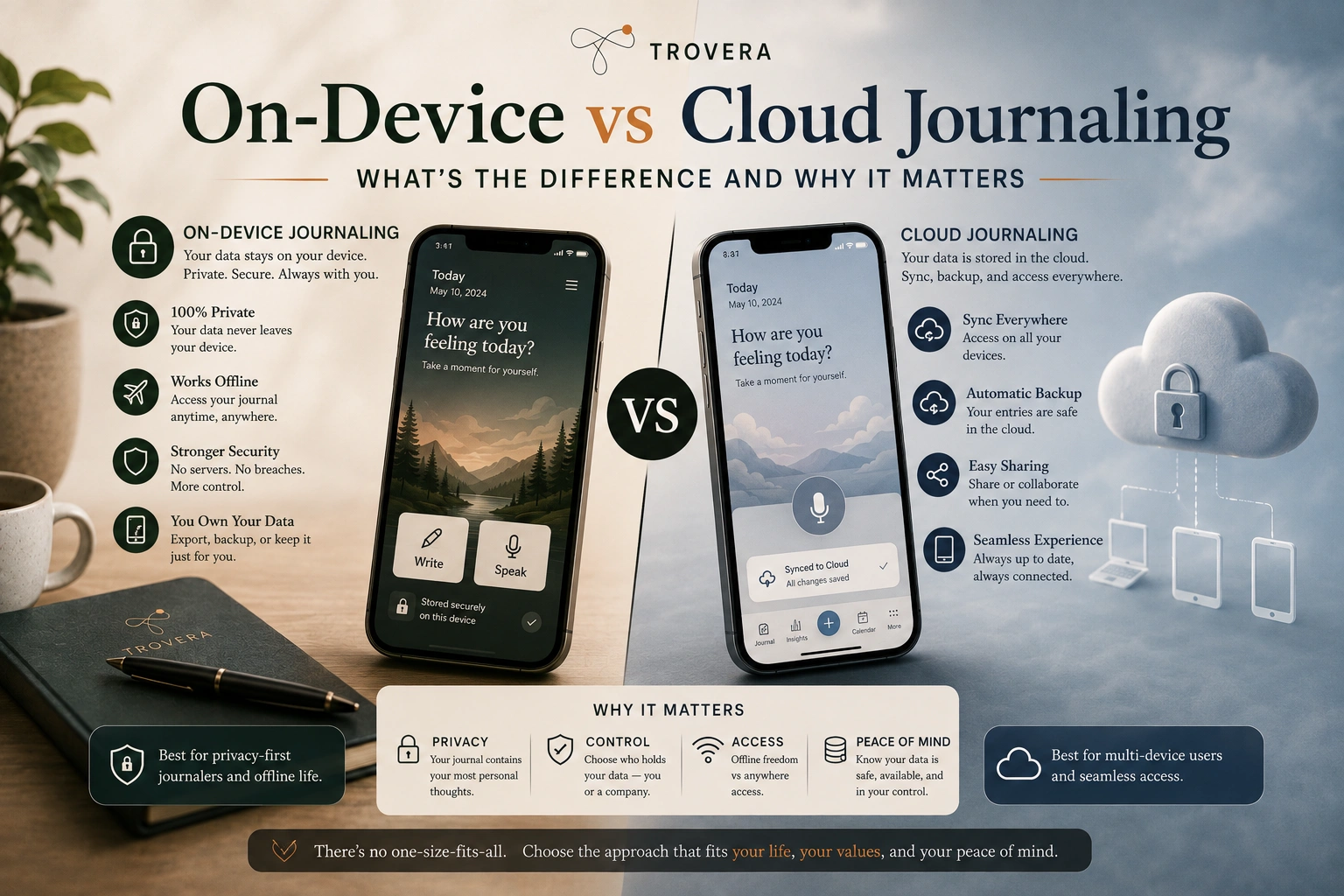
This is the architecture Trovera uses. No account required. Voice recordings, transcriptions, and AI reflections all stay on your device. For detailed documentation of how Trovera's privacy architecture works in practice, see our post on on-device vs. cloud journaling.
Model 2: Encrypted Cloud Storage (Most Common "Private" Claim)
This is what most apps mean when they say "your data is private and secure." Your recordings and transcripts are uploaded to the app's servers — but they're encrypted in transit and at rest.
What this means in practice:
- The company can potentially access your data (they hold the encryption keys in most implementations, or can access decrypted data to power AI features)
- Your data is subject to the company's privacy policy, which can change
- Your data is subject to legal requests — courts can compel companies to produce user data
- A breach of the company's servers could expose your data, even if encrypted at rest
- If the company is acquired or shuts down, your data's fate depends on the new owner or the shutdown process
The nuance: Some apps use end-to-end encryption, where only you hold the keys. This is truly more private — the company cannot read your data even if they wanted to. Day One implements this for their premium tier. But even with E2EE, your data still exists on their servers, and the encrypted files exist somewhere outside your control.
Model 3: Standard Cloud (Least Private)
Some journaling apps — particularly free ones with advertising-supported models — store your data in standard cloud infrastructure without strong encryption guarantees, and may use your data to train AI models, improve their service, or target advertising.
What this means in practice:
- Your journal entries may be used to improve the app's AI — meaning humans or systems may review them
- Your data may be shared with third-party partners as described in the privacy policy (often in dense legal language)
- This model is common in apps that are free with no clear revenue model
The key question to ask any free journaling app: if I'm not paying, what is the product? If the answer isn't clear, your data is likely part of the business model.
What to Check Before Using Any Voice Journaling App
Five specific things to look for before trusting an app with voice recordings of your most personal thoughts.
1. Does the app require an account?
An account means a database entry that links your identity to your journal entries. Even if the app claims strong privacy, the existence of an account means your data has a persistent identity attached to it in their system.
No account = your data isn't associated with your identity in any external database. It's one of the clearest privacy signals available.
2. Where are voice recordings stored?
This is the most important question. Look for explicit language in the privacy policy about where audio files are stored. Phrases like "stored locally on your device" or "never uploaded to our servers" indicate on-device storage. Phrases like "stored securely in the cloud" or "encrypted and stored on our servers" indicate cloud storage.
If the privacy policy doesn't clearly state where recordings are stored, assume they're on the company's servers.
3. Who processes the transcription?
Many voice journaling apps use third-party speech-to-text APIs — Google, OpenAI Whisper, Amazon Transcribe, or others — to convert your voice recordings to text. This means your audio is transmitted to a third-party service for processing, subject to that service's own privacy policies.
Some apps use on-device transcription, which keeps audio entirely local. This is significantly more private. Trovera uses high-accuracy automatic transcription, which processes with high accuracy in both Spanish and English — but the key is understanding your app's specific setup and reading their privacy documentation carefully.
4. What is the data deletion policy?
If you delete your account or your entries, what actually happens to your data? Some apps delete data immediately from all systems. Others retain data for 30, 60, or 90 days "for backup purposes." Some retain anonymized or aggregated data indefinitely.
Look for specific language about deletion — not just "you can delete your entries" but "upon deletion, your data is permanently removed from our servers within [X days]."
5. Has the privacy policy changed recently?
A company's privacy practices can change — especially after acquisition or fundraising. Check when the privacy policy was last updated. A policy updated recently, particularly for a company that recently raised money or was acquired, warrants closer reading.
The "We Take Privacy Seriously" Problem
There's a phrase that appears in virtually every journaling app's marketing: "We take your privacy seriously."
This phrase is meaningless without specifics. It doesn't tell you where your data is stored, who can access it, whether it's used to train AI models, or what happens to it if the company is acquired or shuts down.
The questions that actually reveal a company's privacy practices are:
- Does the app work without an account? If yes, it's a strong signal of genuine privacy commitment.
- Can the company read my journal entries? A yes or "potentially yes" is honest. A company that claims they "never" access your data but has cloud storage should explain how that's technically enforced.
- What happens to my data if I stop using the app? Indefinite retention is common and worth knowing about.
- Is the app open source? Open source apps can be audited by anyone — privacy claims can be verified rather than taken on faith. OwnJournal is an example of an open-source journaling app where the architecture is publicly verifiable.
Why "Encrypted" Doesn't Mean What You Think It Means
Encryption is important and truly adds security. But "encrypted" is not the same as "private" — and the distinction matters for a journal.
When an app says your data is "encrypted at rest," it means the data sitting on their servers is stored in an unreadable format. This protects against certain types of attacks on their infrastructure.
But it doesn't protect you from:
- The company itself accessing your data to power features, resolve disputes, or comply with legal requests
- A court order requiring the company to produce your data (the company holds the decryption keys and can decrypt on demand)
- A data breach where attackers gain access to both the encrypted data and the decryption keys
- The company changing its privacy policy after acquisition
True end-to-end encryption (E2EE) — where only you hold the keys — is meaningfully more private than "encrypted at rest." But even E2EE means your encrypted data files exist on their servers.
The only model where your journal truly cannot be accessed by anyone outside your device is on-device storage with no account and no data transmission. That's the maximum privacy available.
Trovera's Approach: On-Device by Design
Trovera was designed from the start with the assumption that voice journaling — speaking your genuine thoughts out loud — requires the strongest available privacy protection.
The architecture reflects this:
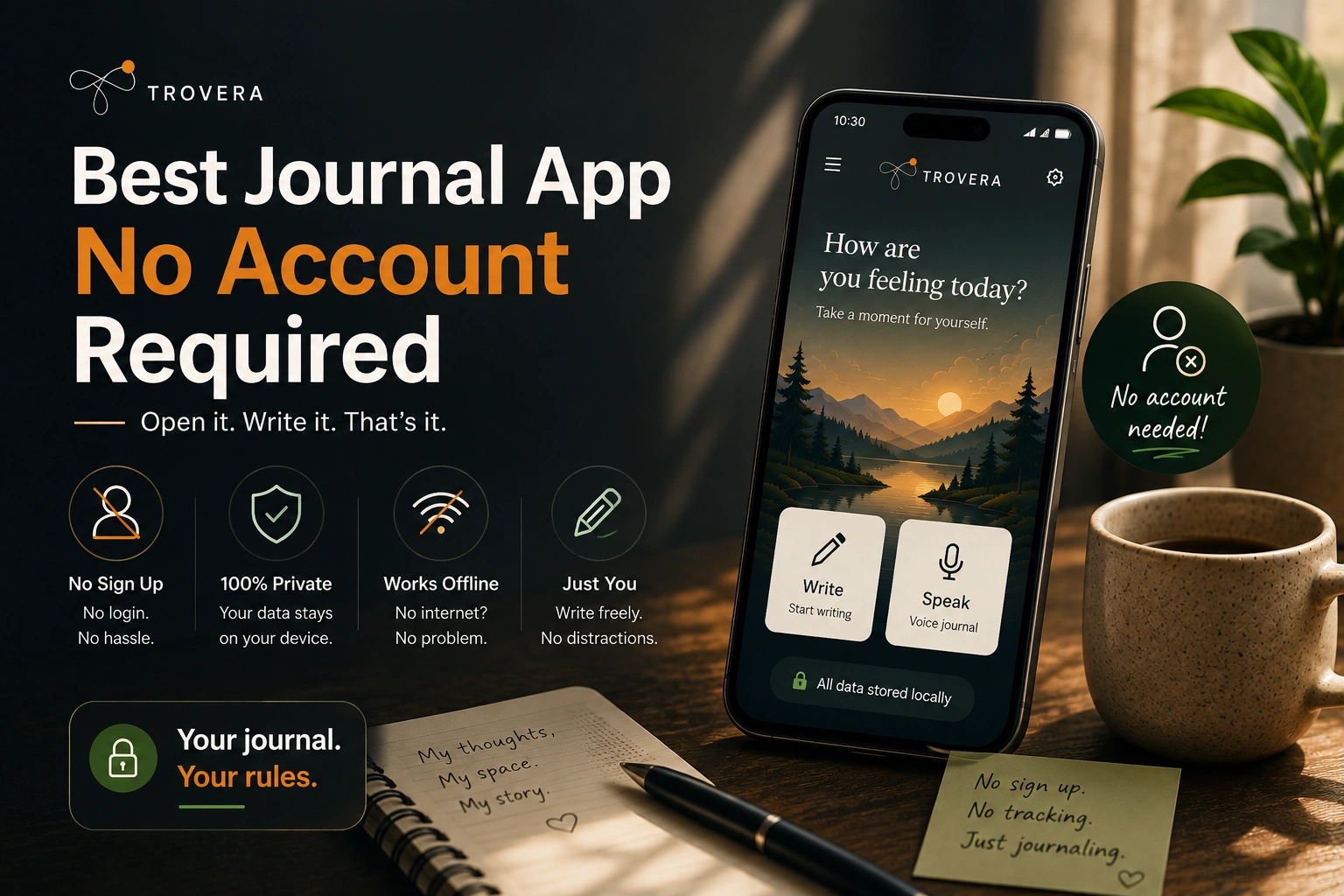
No account required. You don't create a profile. There is no database entry linking your identity to your journal entries.
No uploads. Voice recordings are not transmitted to Trovera's servers. Transcripts are not uploaded. AI reflections are generated and stored locally.
No third-party data sharing. Your entries are not used to train AI models. They are not shared with advertising partners. There are no advertising partners.
Everything on your device. Your journal exists on your phone and nowhere else. If Trovera the company disappeared tomorrow, your journal entries would still be exactly where you left them — on your phone.
This approach has a tradeoff: there's no cross-device sync in the free tier, and if you lose your phone without backing up, you lose your journal. Trovera's premium tier includes encrypted backup to your own cloud storage — so the backup exists, but on your terms, in your storage, not Trovera's.
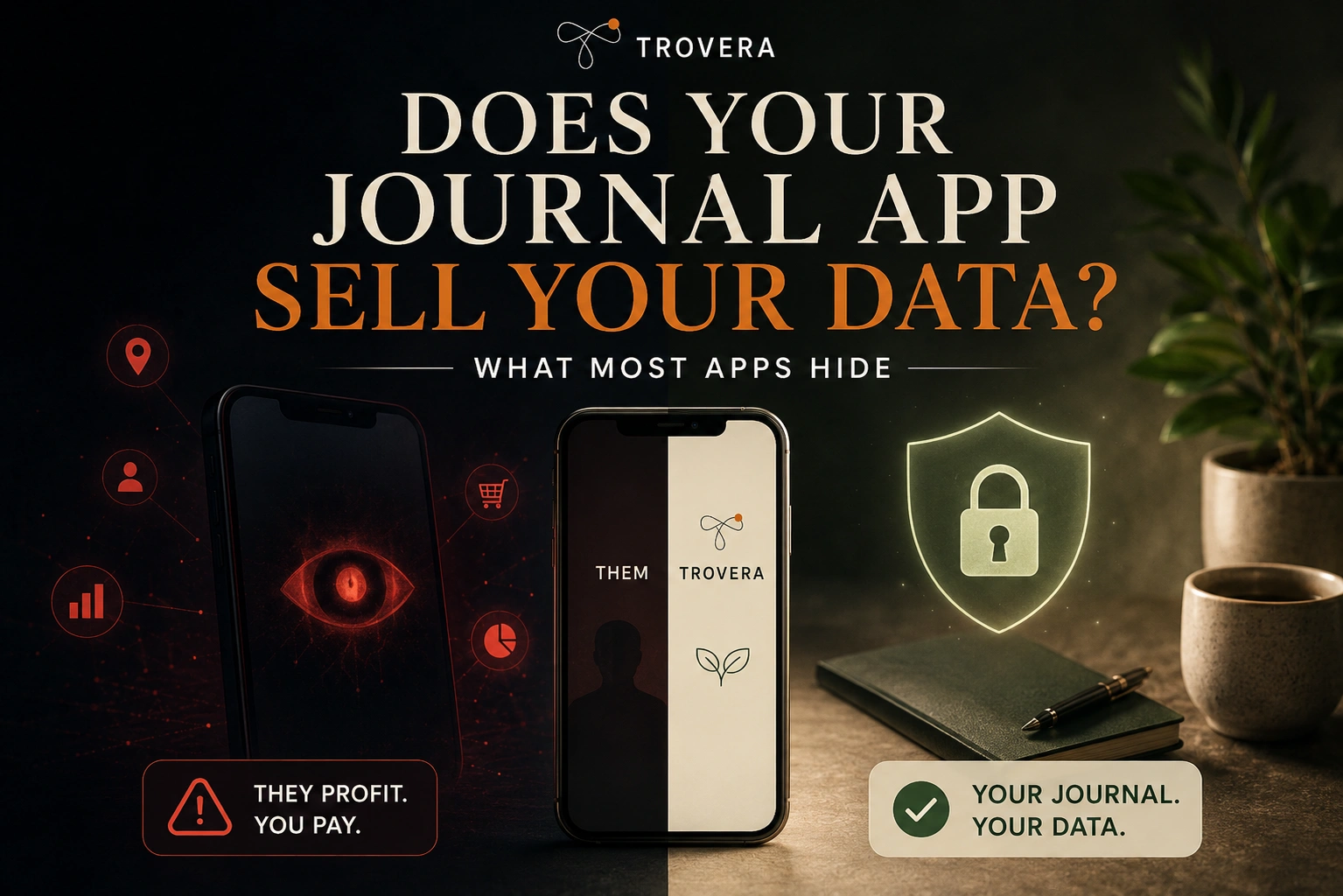
For a broader comparison of how different journaling apps handle privacy, see our post Does Your Journal App Sell Your Data? which goes deeper into the data practices of specific apps.
The Bottom Line
Voice journaling can be truly private — but only if you choose the right architecture.
The key distinction isn't the marketing language. It's three specific questions:
- Does the app require an account? (No account = no identity linked to your data)
- Where is the data stored? (On-device = maximum privacy; cloud = trust the company's policies)
- Who can access it? (On-device with no account = only you; cloud = the company, potentially their partners, potentially courts)
If voice journaling privacy matters to you — and if you're speaking your honest thoughts into an app, it should — look for apps where the answer to all three questions reflects actual on-device architecture, not just reassuring marketing language.
For the practical how-to of starting a private voice journaling practice, see our guide: How to Start Voice Journaling Tonight.
📌 KEY TAKEAWAYS
- Voice journaling privacy depends on the app's architecture, not its marketing language
- Three models exist: on-device only (most private), encrypted cloud (common), and standard cloud (least private)
- "Encrypted" does not mean the company can't access your data — it means the data is stored in a protected format on their servers
- The clearest privacy signal: no account required, explicit statement that data never leaves the device
- Before using any voice journaling app, check: account requirement, where audio is stored, who processes transcription, data deletion policy
- On-device architecture with no account is the only model where your journal truly cannot be accessed outside your device
Frequently Asked Questions
Is voice journaling safe? Voice journaling is safe when used with an app that stores data on-device with no account requirement — your recordings and transcripts never leave your phone and can't be accessed by anyone. It requires more careful evaluation when using cloud-based apps, where your audio and transcripts exist on company servers subject to their policies, legal requests, and potential security breaches. Evaluate each app's specific architecture rather than its general privacy marketing.
Can journaling apps read my entries? Most cloud-based journaling apps technically can access your entries — they hold the infrastructure and in most cases the encryption keys. Whether they actively do so depends on their policies. Apps that use your data to power AI features necessarily process your content. On-device apps like Trovera cannot access your entries because they never receive them — the data stays on your device.
What happens to my journal entries if the app shuts down? For cloud-based apps, it depends on the shutdown process — some companies provide data export windows, others don't. For on-device apps, your entries remain on your phone regardless of what happens to the company. This is one of the underappreciated advantages of on-device storage: the company going out of business has no effect on your journal.
Does Trovera keep my voice recordings? No — Trovera does not upload or store your voice recordings on any server. Everything — the audio, the transcript, and the AI reflection — stays on your device. There's no account, so there's no database entry linking your identity to your entries. Your journal exists only on your phone.
Is there a journaling app that is completely private? The closest to completely private is an on-device app with no account requirement, no data transmission, and open-source code that can be verified independently. Trovera meets the first two criteria (no account, no data transmission). OwnJournal is open-source and uses a bring-your-own-storage model. For most users, an on-device app with no account is the practical definition of "completely private" for a journaling app.
Related reading: On-Device vs Cloud Journaling — What's the Difference? · Does Your Journal App Sell Your Data? · Best Offline Journal App for Android · How to Start Voice Journaling Tonight · Voice Journaling for Beginners
Download Trovera Free — Android and iOS →
Trovera is a 60-second voice journaling app. No account required. No data leaves your device. Everything stays on your phone. Free tier includes unlimited recordings and one AI reflection per day. Premium: $6.99/month or $59.99/year. ENDOFFILE